
Getting started
About the program
Airgram is an all-in-one app for working with Telegram across multiple accounts.
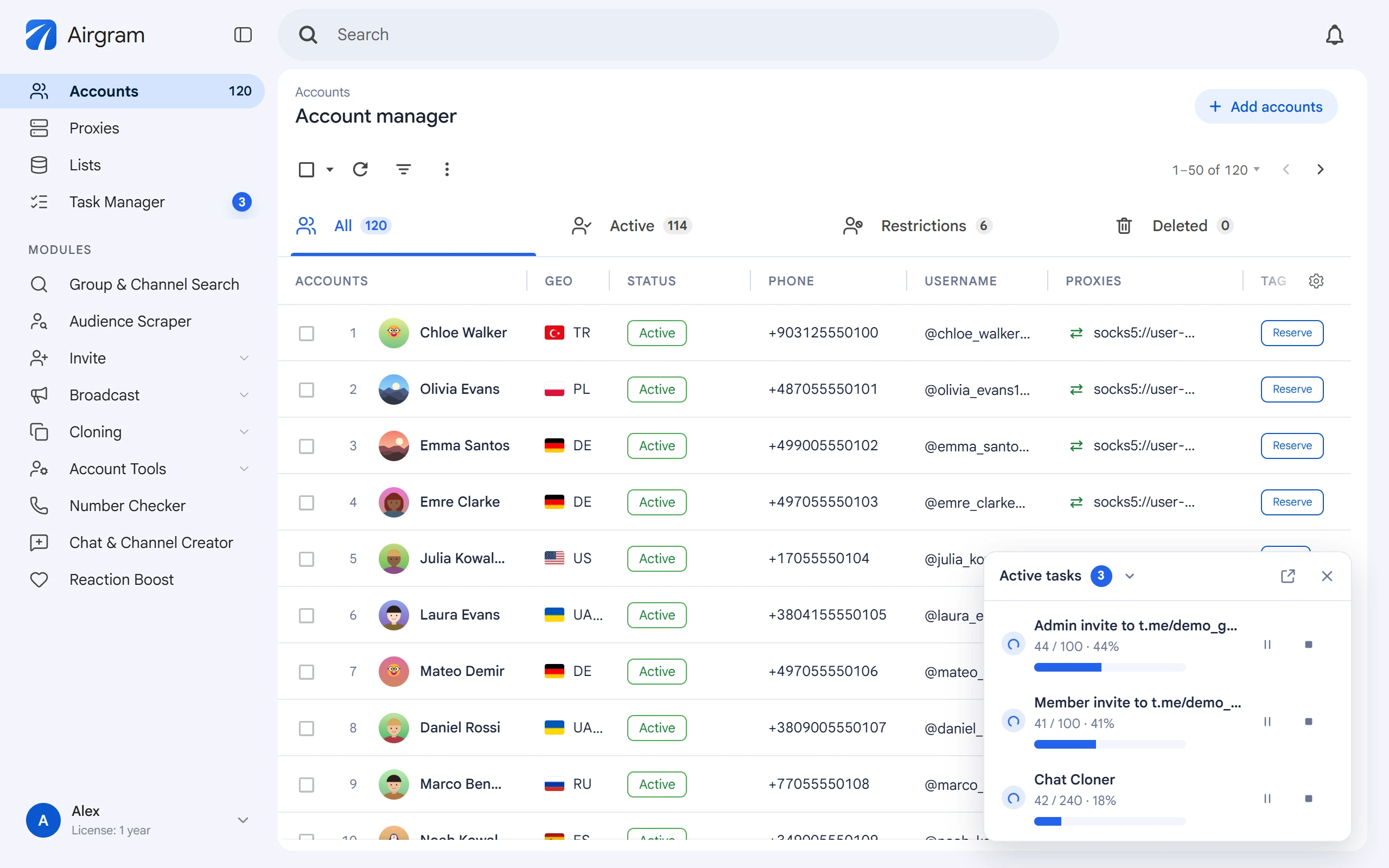
It brings together tools for managing accounts, collecting audiences, inviting users, sending broadcasts and automating interaction with users.
You can work with multiple accounts in a single interface, configure how tasks run and manage your workflows from one window.
Airgram runs on your computer and uses the Telegram accounts you connect. The app doesn't provide accounts of its own, so you need to add yours to work with it.
How it works#
All Airgram modules set up and start tasks the same way. This helps you learn new tools faster and work with each of them on the same principle.
Before you start a task, you need to:
- Select the data to work with — specify target groups, channels or lists, depending on what the module is for.
- Select accounts — choose which of your connected accounts will take part in the task.
- Configure the run — set the available limits, intervals and pauses.
- Review additional parameters — open the “Advanced settings” section if needed.
- Start the task — check your setup and click “Start task”.
Once started, the task runs with the selected accounts and the parameters you set. You can monitor current tasks in the “Task Manager” section.