
Modules
Audience Scraper
This module collects people from Telegram groups and channels and saves them as a new list in “Lists” → “Users”. You can use this list for invites and broadcasts.
Audience sources#
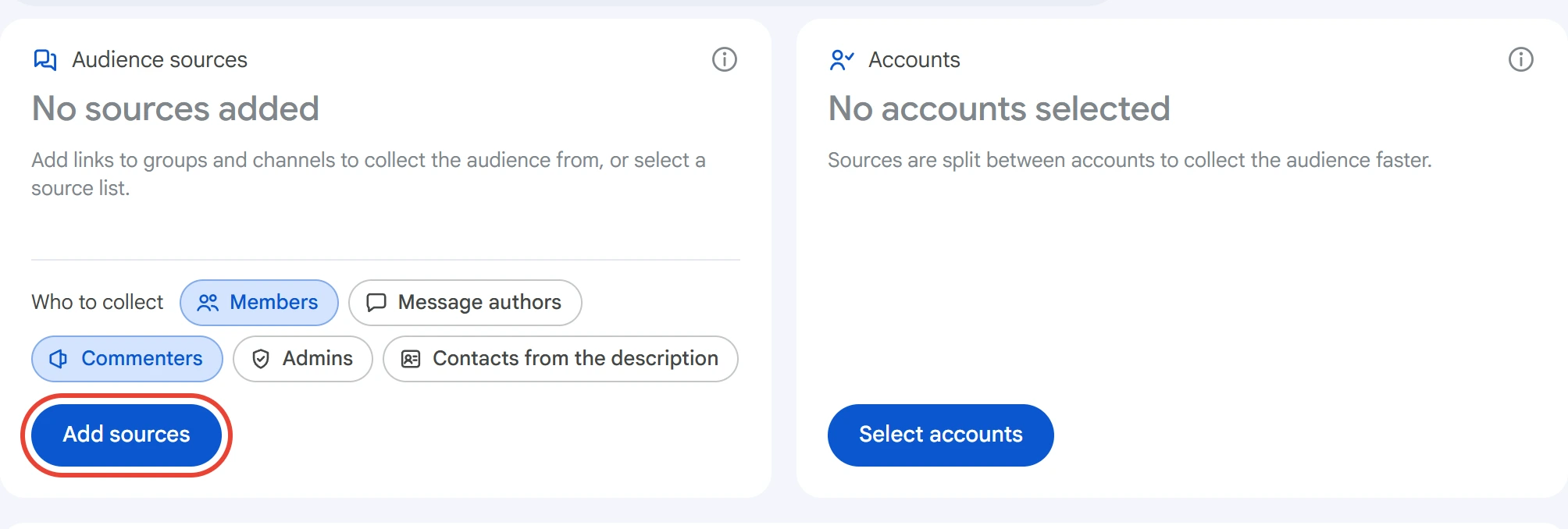
Click “Add sources” in the “Audience sources” card.
Paste a link to a group or channel — t.me/… or @username — and click “Add”. You can paste several links as a list or load them from a .txt / .csv file. Duplicates aren't added.
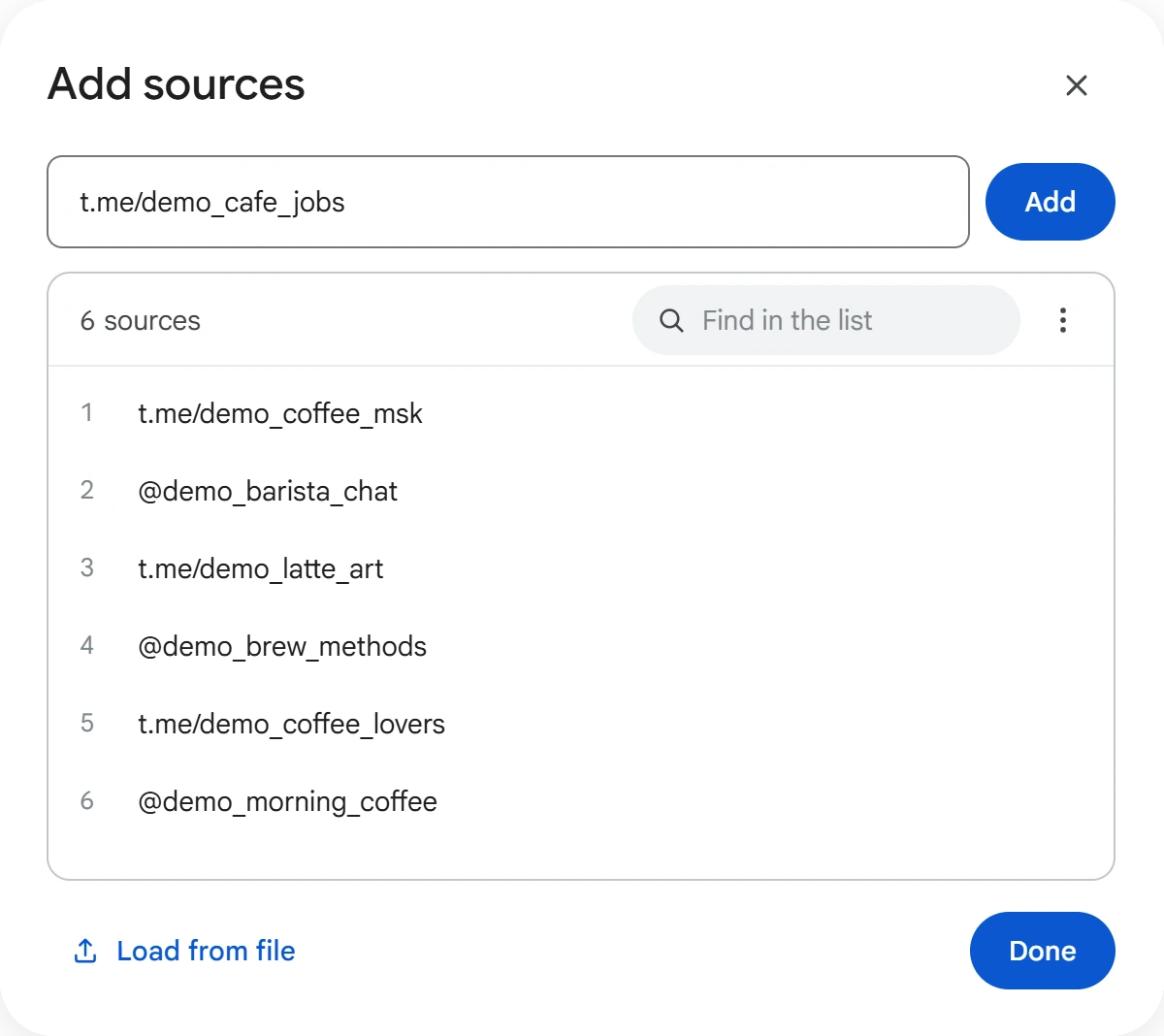
To change a link, click it in the list. In the “⋮” menu you can edit the whole list as text or clear it. When the list is ready, click “Done”.
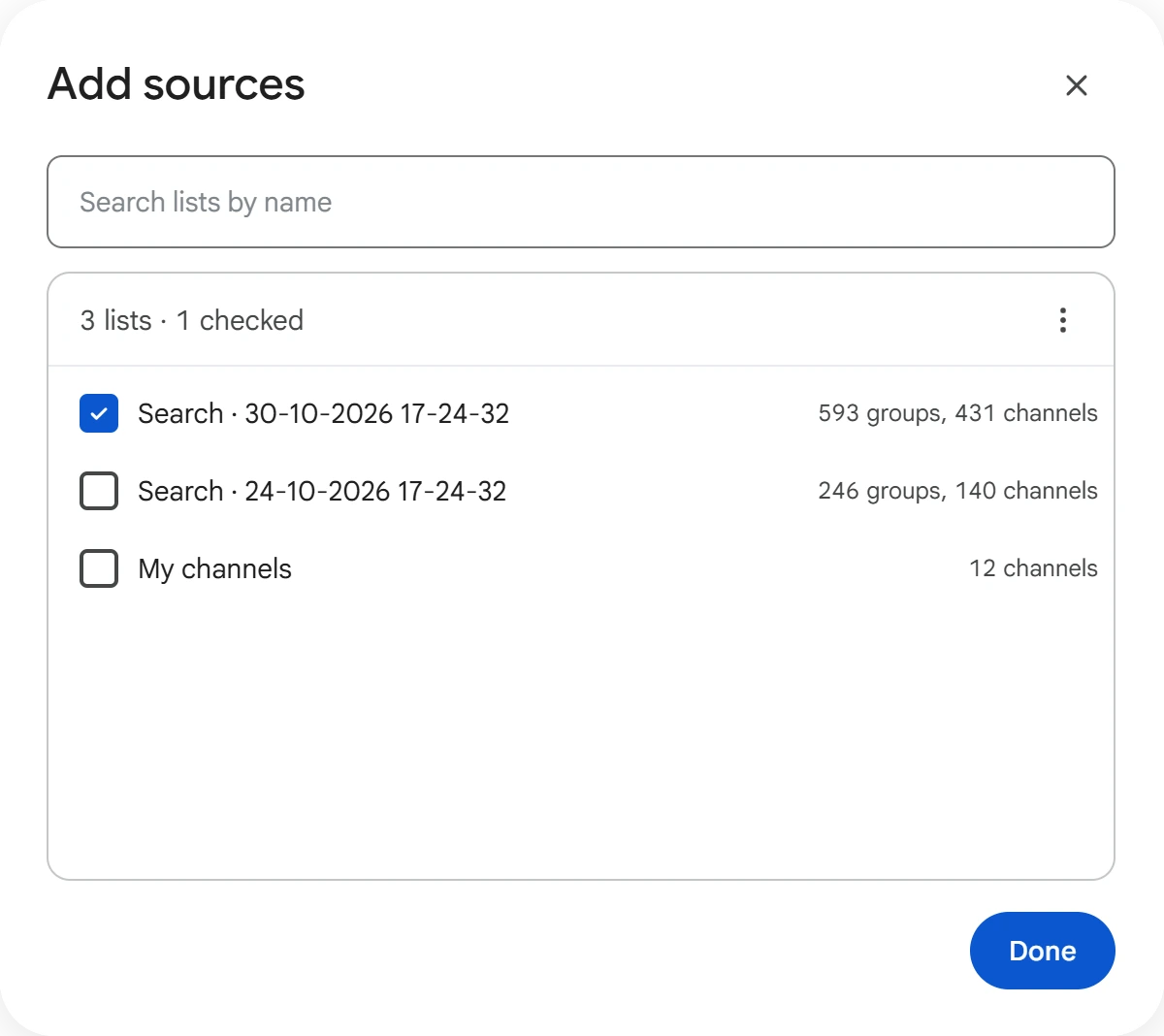
Groups and channels found by Group & Channel Search are taken as a whole list: in the “⋮” menu, select “From a list” and tick the lists you need. You can combine lists with each other and with links.
You can also type a single link right into the card: click its description, paste the link and press Enter. To remove a source you added by mistake, click the cross on its pill.
Who to collect#
Tick who to take from the sources. You can select several options at once.
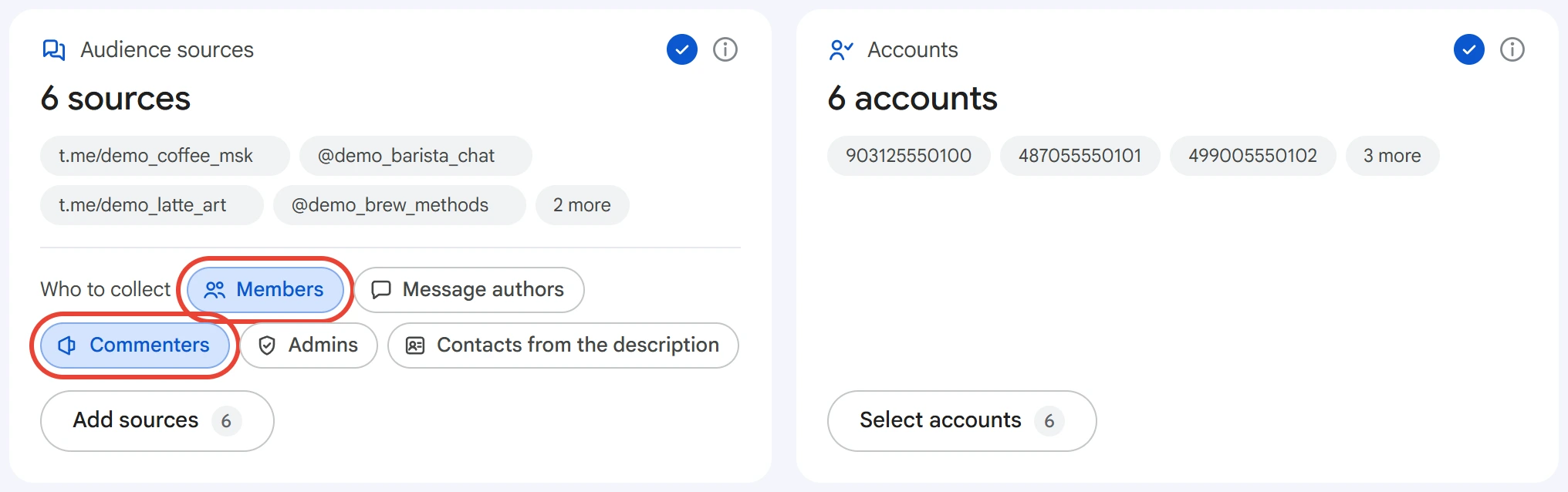
- Members — the group's full member list, without admins and bots.
- Message authors — people who posted in the group during the selected period.
- Commenters — people who commented on the channel's posts during the selected period. A channel with no discussion is skipped.
- Admins — the group's owner and admins, without bots.
- Contacts from the description — usernames from the group or channel description. Profile filters don't apply to them.
If none of the sources suit an option, for example there isn't a single channel for “Commenters”, the option turns pale: there's nowhere to collect it from.
Filters#
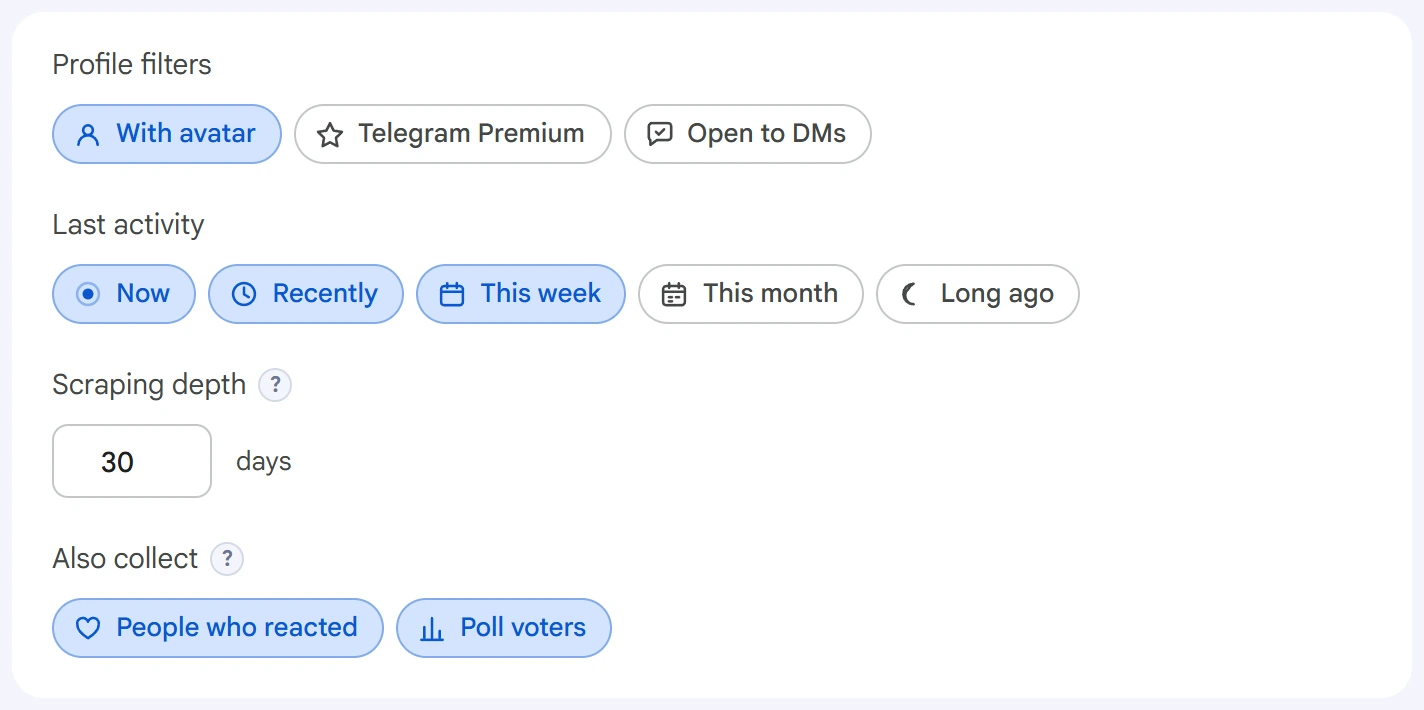
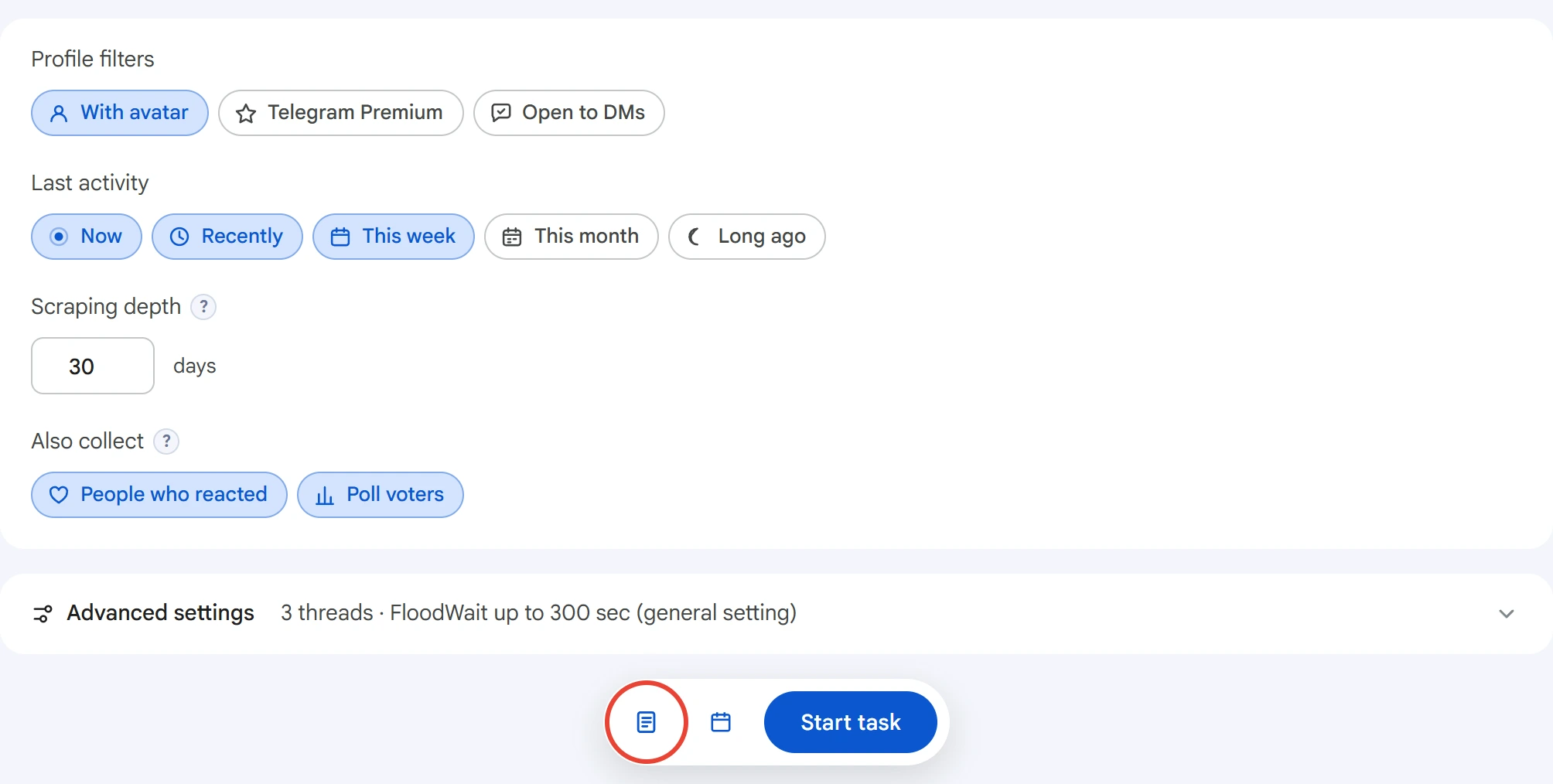
- Profile filters — keep only people who have a profile photo (“With avatar”), a Telegram Premium subscription, or who can receive direct messages (“Open to DMs”).
- Last activity — when the person last opened Telegram. Untick what you don't need so you don't collect long-abandoned accounts.
- Collection depth — how many days of messages to read for authors, commenters, reactions and polls.
0— the entire history. Depth doesn't limit members and admins. - Also collect — people who reacted and people who voted in polls. They're found in the same messages, so you need “Message authors” or “Commenters”.
Accounts#
Click “Select accounts”, tick the ones you need and click “Save”.
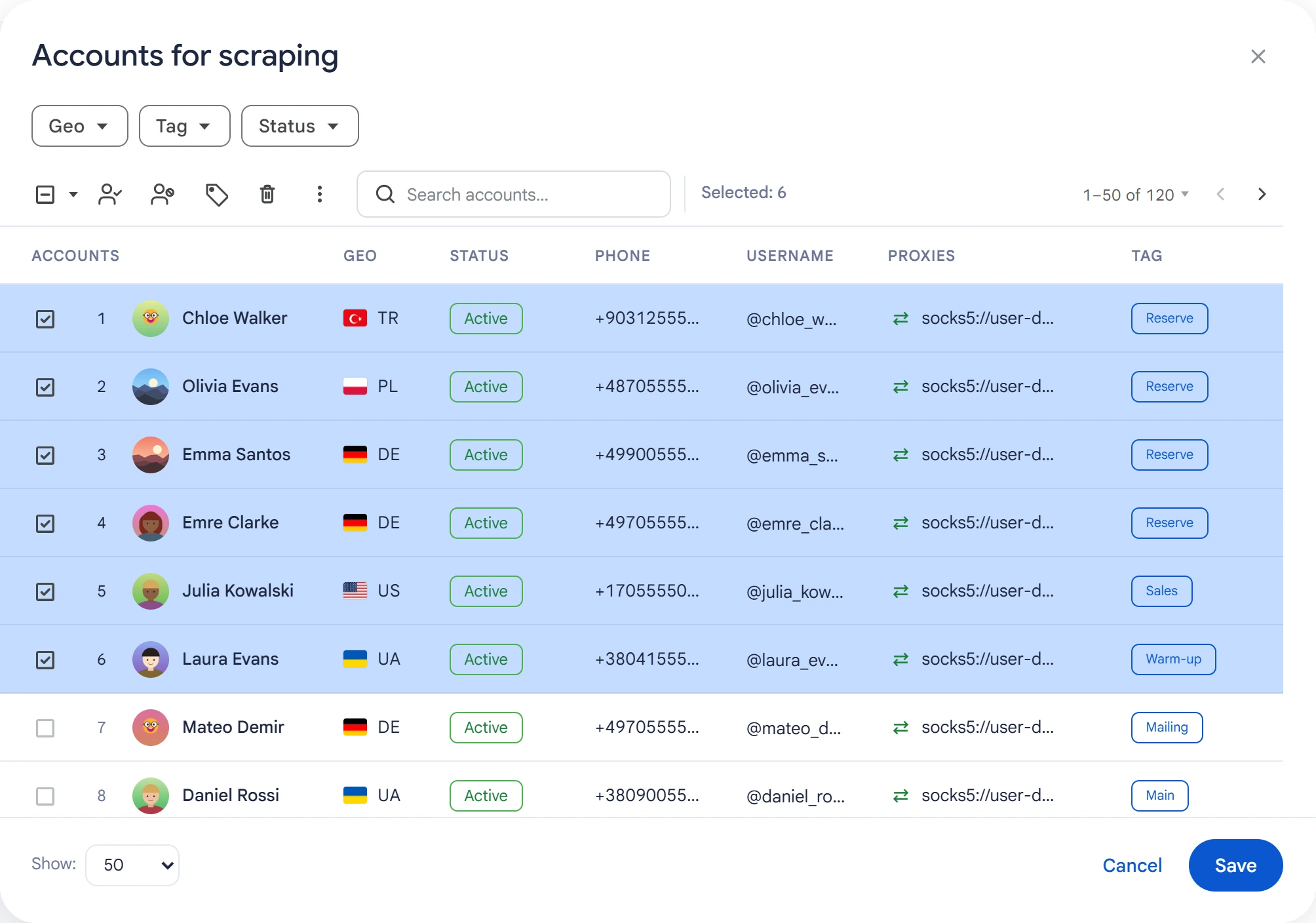
Sources are split among the selected accounts: the more accounts, the faster the collection. To see the members of a private group, an account must be a member of it.
Advanced settings#
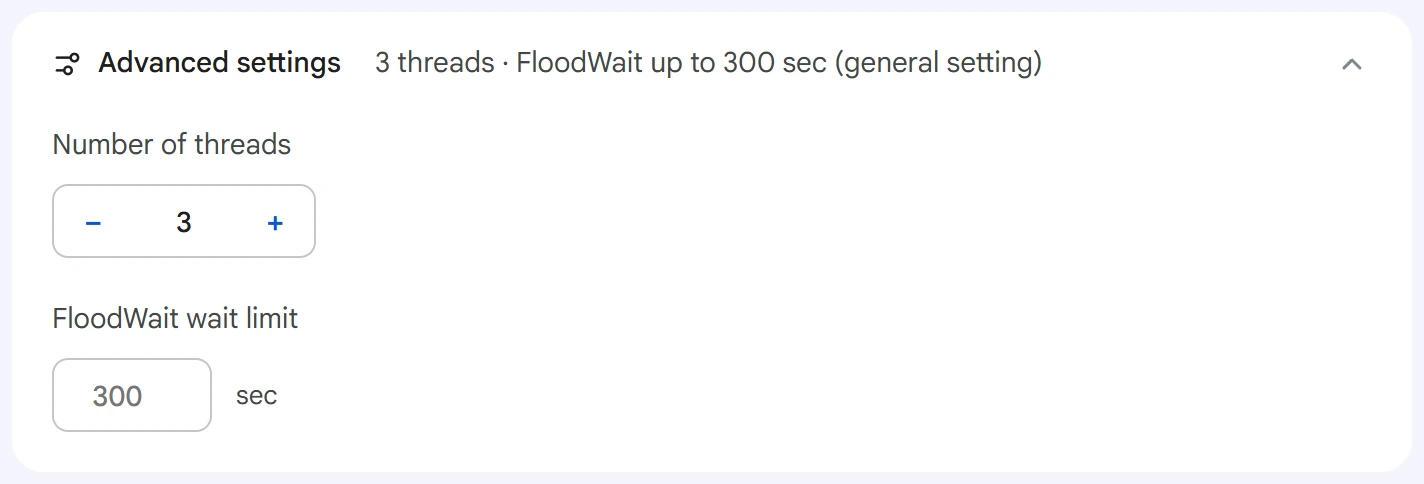
- Number of threads — how many sources are processed at the same time.
0— the value from the Settings section. - FloodWait wait limit — the maximum time to wait out the restriction. If it's exceeded, the account stops working. An empty field uses the general setting;
0means waiting with no limit.
Start and results#
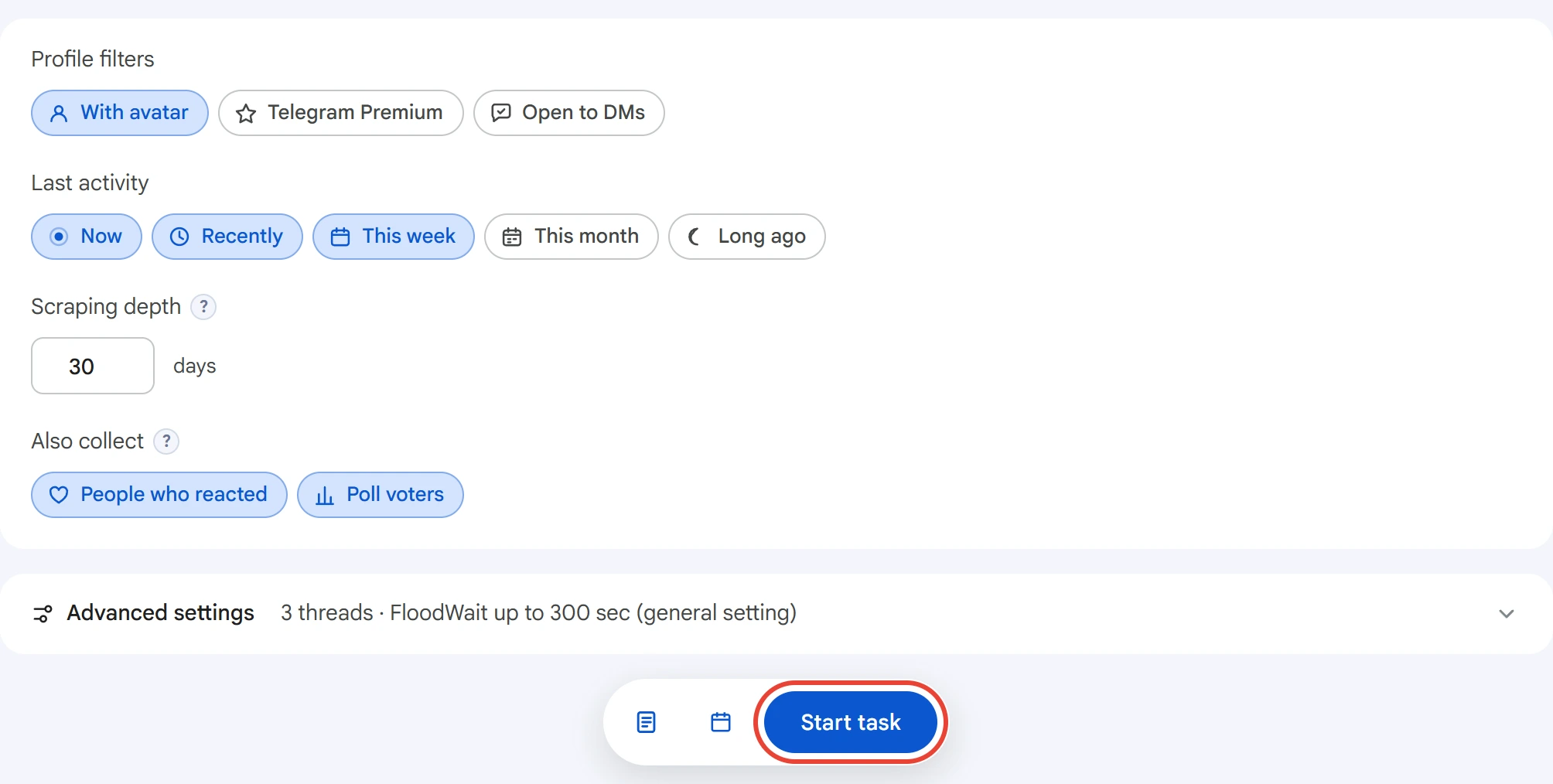
Click “Start task”. The calendar icon next to it schedules the run for the time you need. You can follow the collection in the Task Manager.
In the log, each source gets a line with the number of people found. The log also shows FloodWait pauses and skipped sources. A source whose collection broke off midway isn't counted and goes back to the queue.
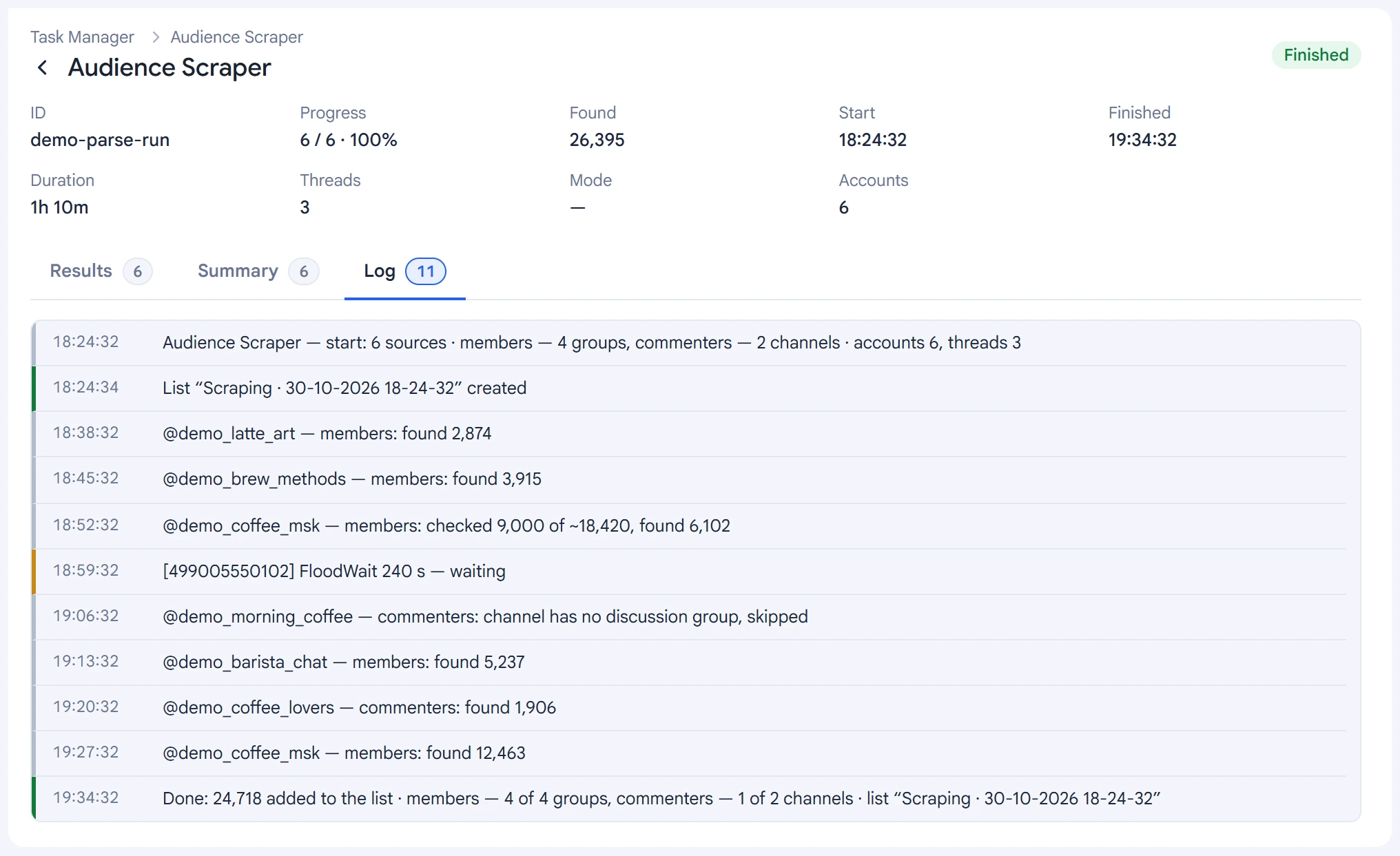
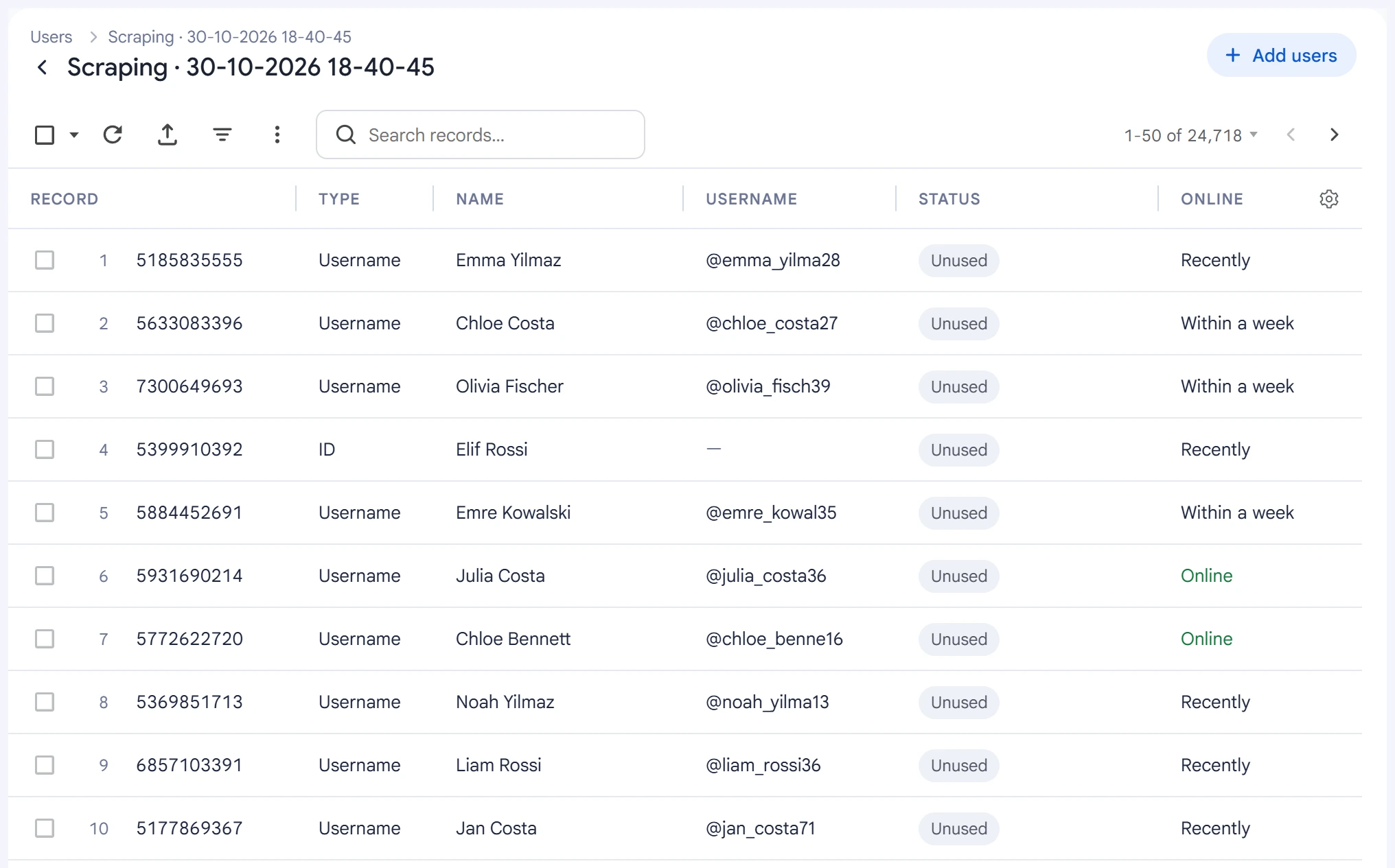
Each run creates a new list in “Lists” → “Users” with the date and time in its name. The list fills up during collection. Open it with the icon to the left of the “Start task” button.
Each person's Telegram ID is saved, along with their username if they have one. People without a username also go into the list — by ID. A person found in several sources is recorded once, so the list can have fewer people than “Found” in the task.
You can resume a stopped scrape in the Task Manager. Sources already covered aren't collected again.
Tips#
- Large groups take a long time to collect, and Telegram regularly asks you to wait. If new lines keep appearing in the log, collection is running.
- If a group's member list is hidden, turn on “Message authors”: you can collect people who posted even in such a group.
- An active audience responds better: a couple of thousand people from a niche group who were online recently beat a hundred thousand random ones.
- Before an invite or a broadcast, check the list and remove anyone you don't need.