
Modules
Auto-Reply
This module answers incoming direct messages with prepared texts. Each selected account replies to the people who wrote to that account.
Replies#
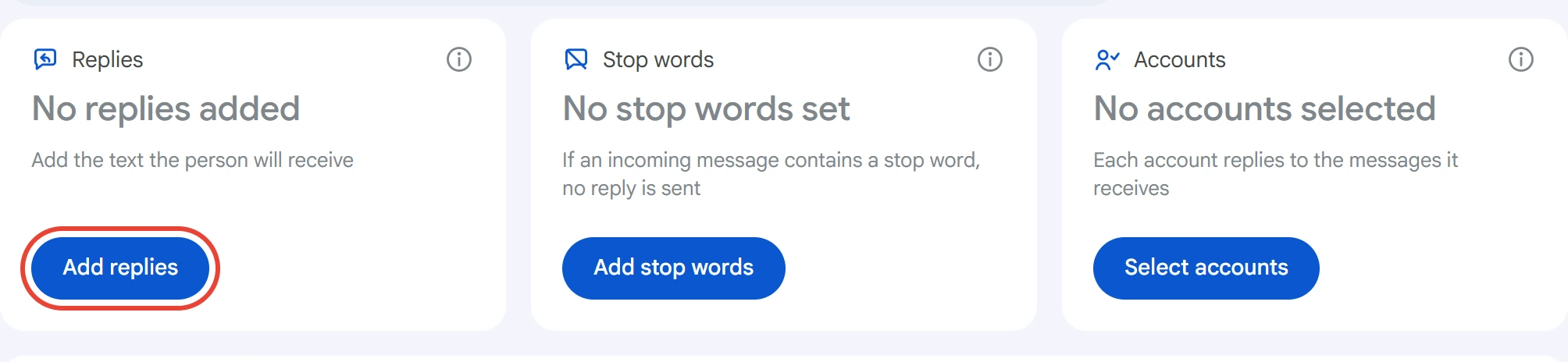
Click “Add replies” in the “Replies” card.
The “Replies” window opens. Click “Add reply”, write the text and click “Save”.
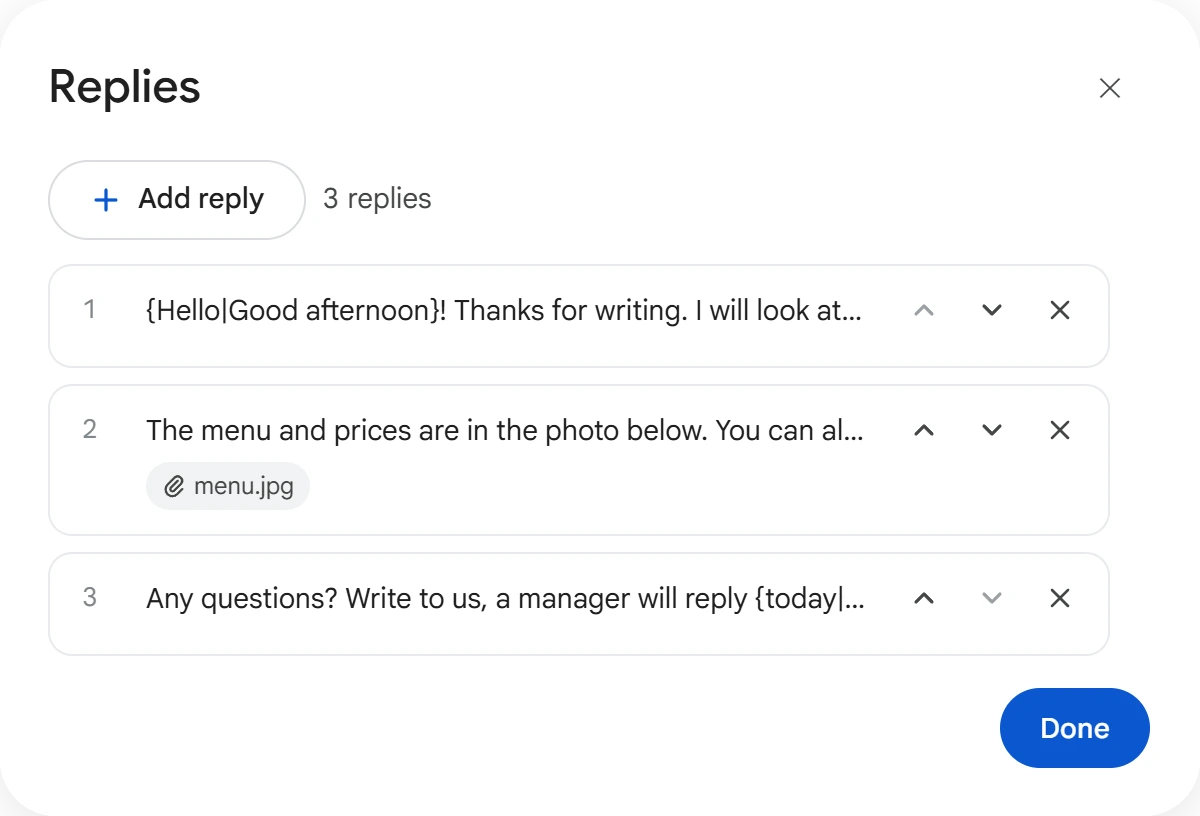
Replies are sent in order: the first in response to the person's first message, the second in response to their second. When the list runs out, it starts over.
You can edit a reply in the window: click it and it opens on top of the list. The arrows on the right change the order, and the cross deletes the reply. To bring back a deleted reply, click “Cancel” in the notification. Changes are saved right away; click “Done” when you finish.
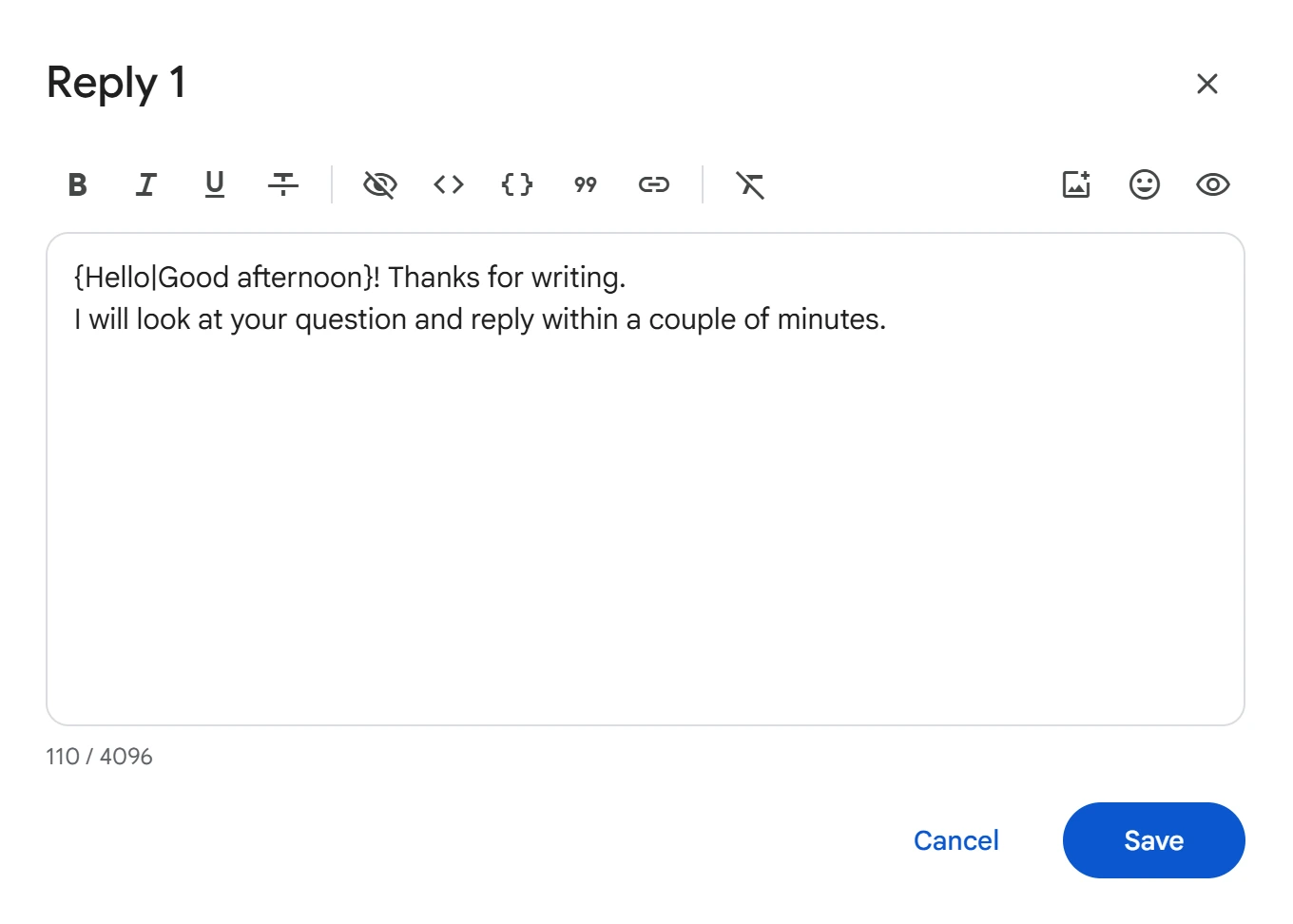
You can write variants in curly braces in the text, and one of them is sent each time. See the Text variants page for details. Attach files with the “Photo or video” button on the window's toolbar; they go out with the text.
Stop words#
Click “Add stop words”. Type a word or phrase and click “Add”, or upload a list from a file. Case doesn't matter. A line that starts with # is a comment and won't become a stop word.
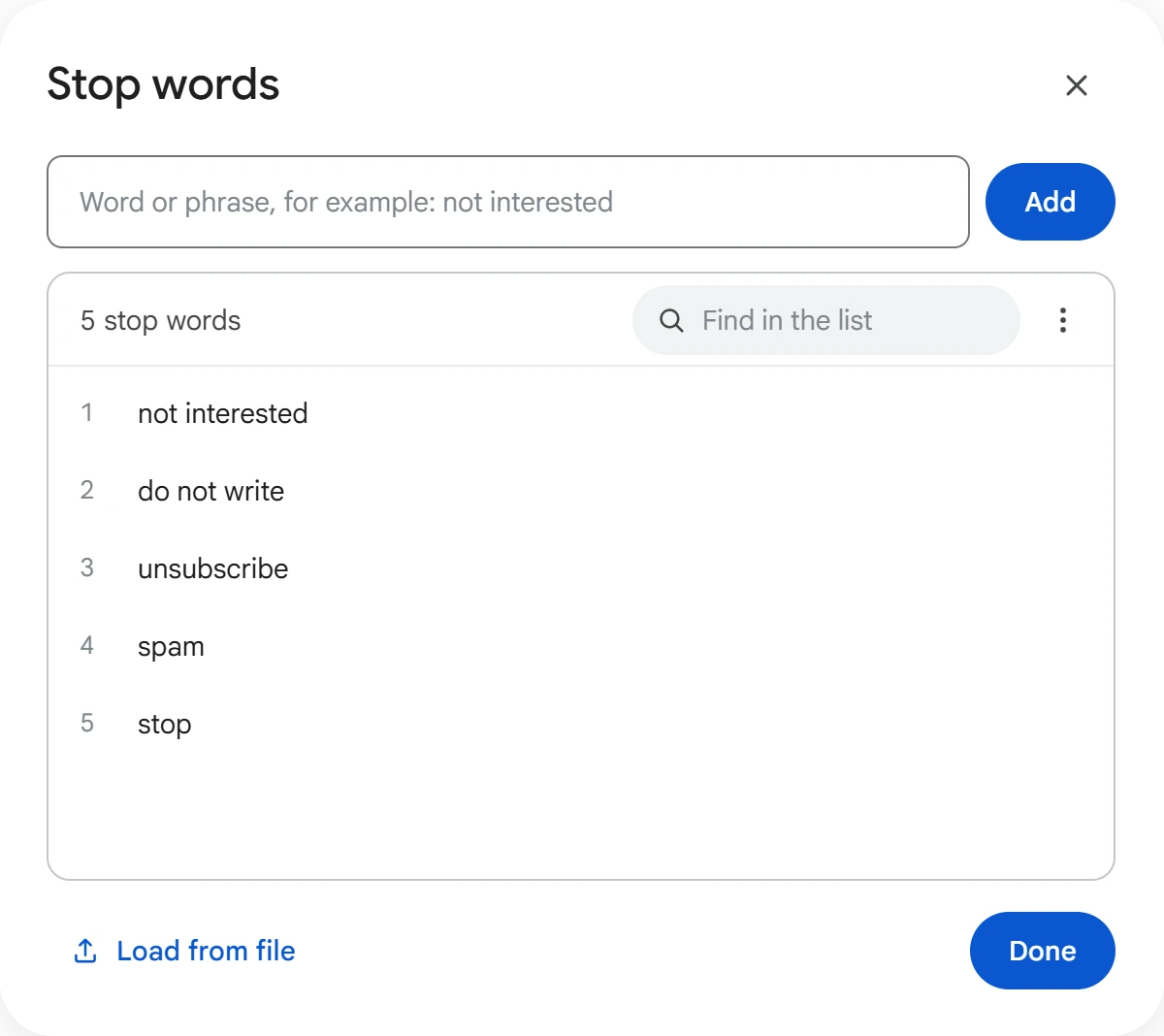
If an incoming message contains a word or phrase from the list, the person gets no replies until the “Reply again after” period ends.
Accounts#
Click “Select accounts”, select the ones you need and click “Save”.
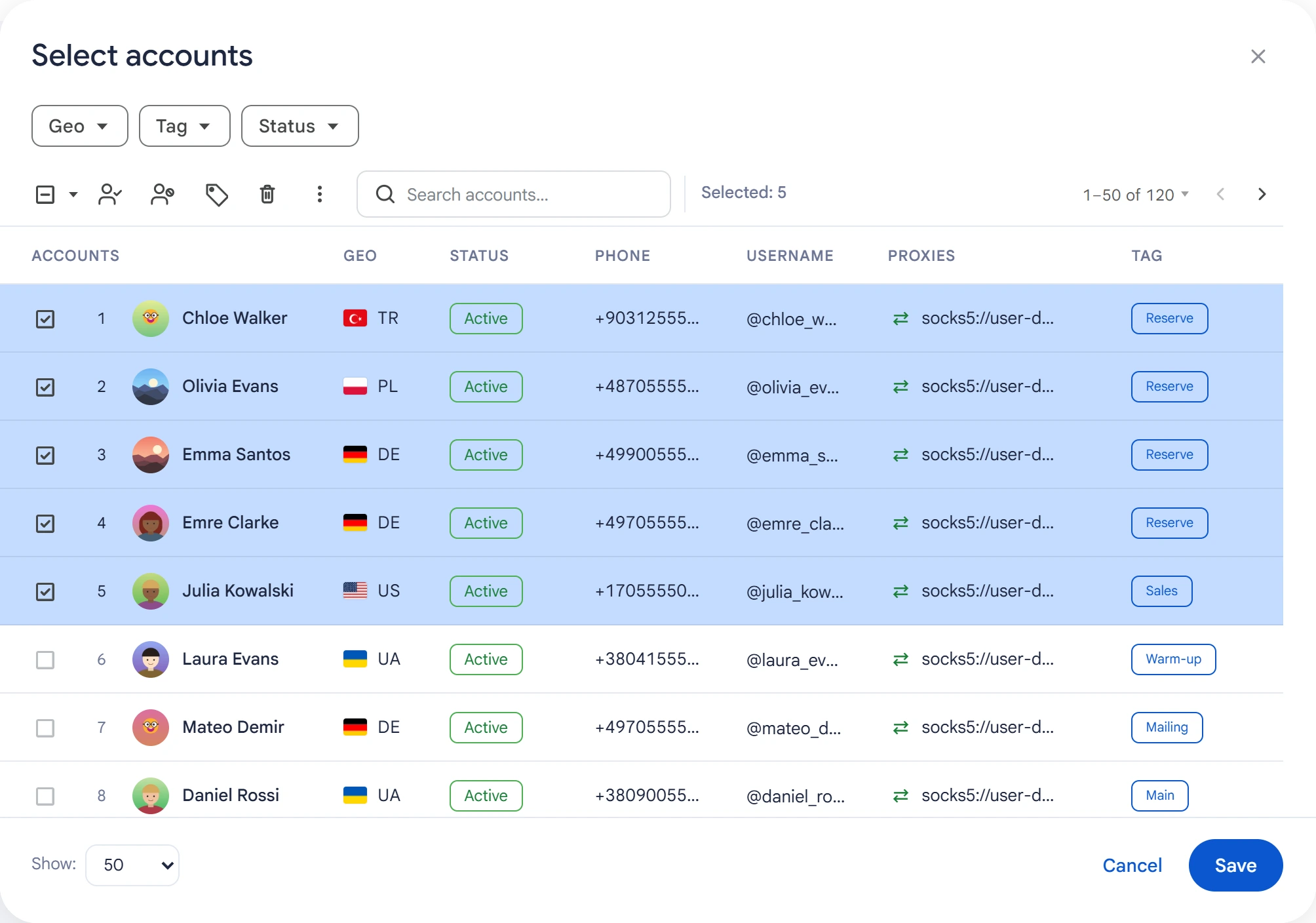
Each account replies to the direct messages it receives. Accounts busy with another task aren't included in the run.
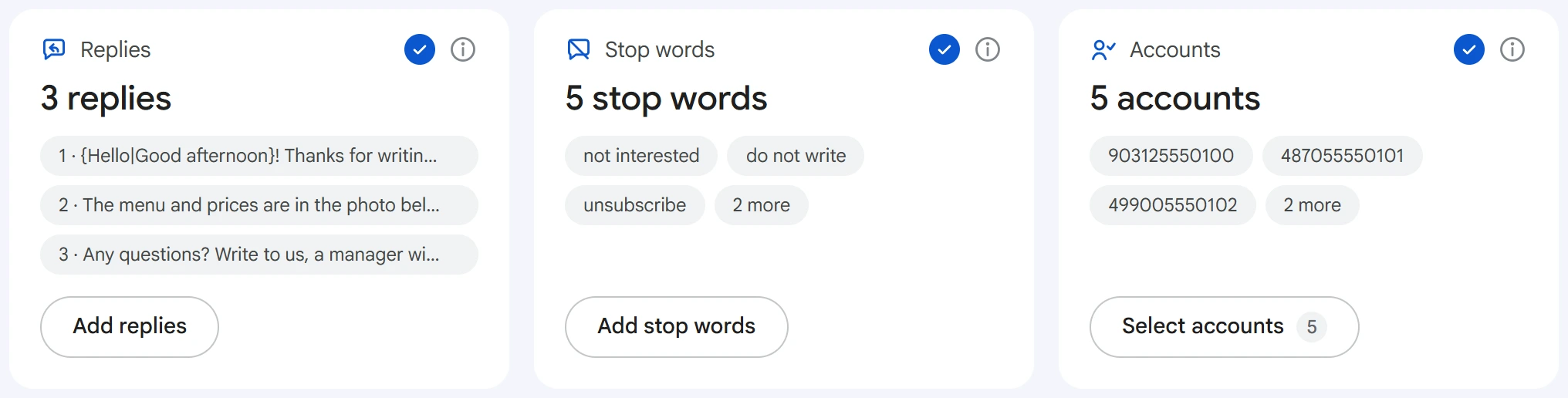
When everything is filled in, the cards show check marks, and the replies, stop words and selected accounts appear under the card titles.
Reply rules#
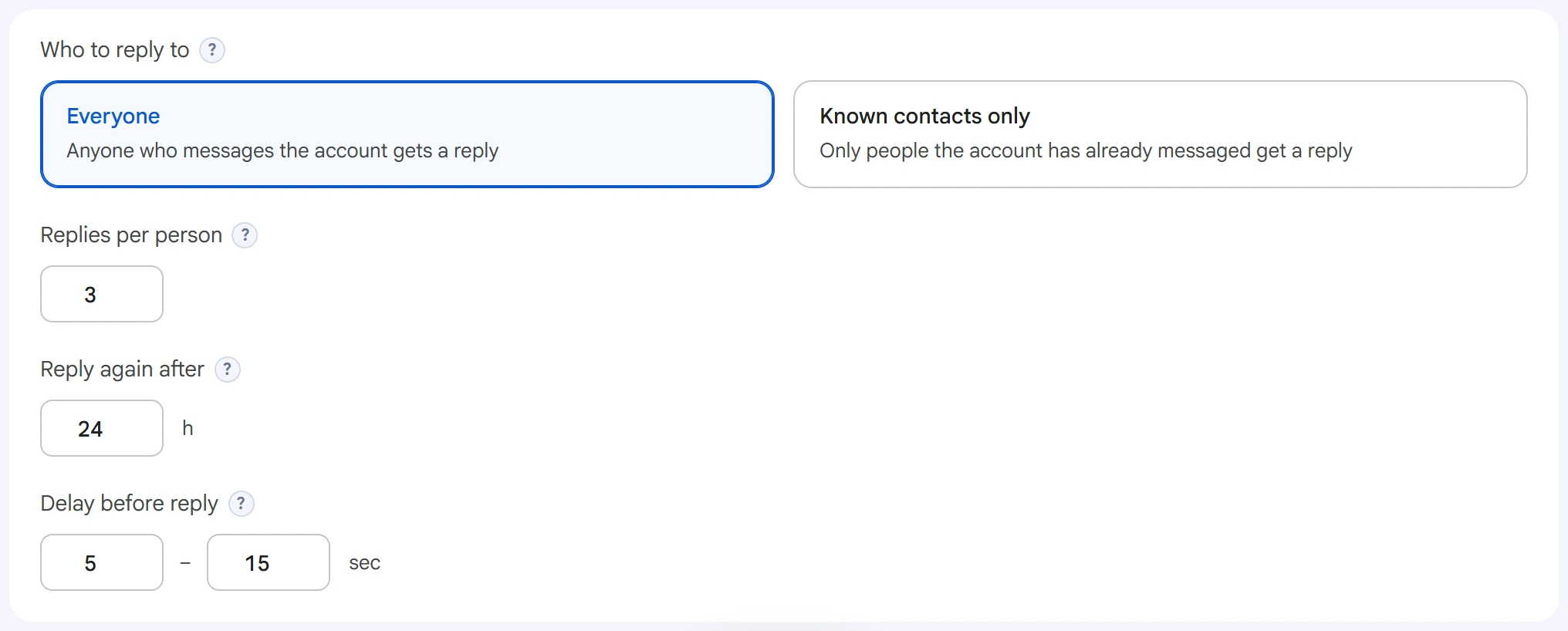
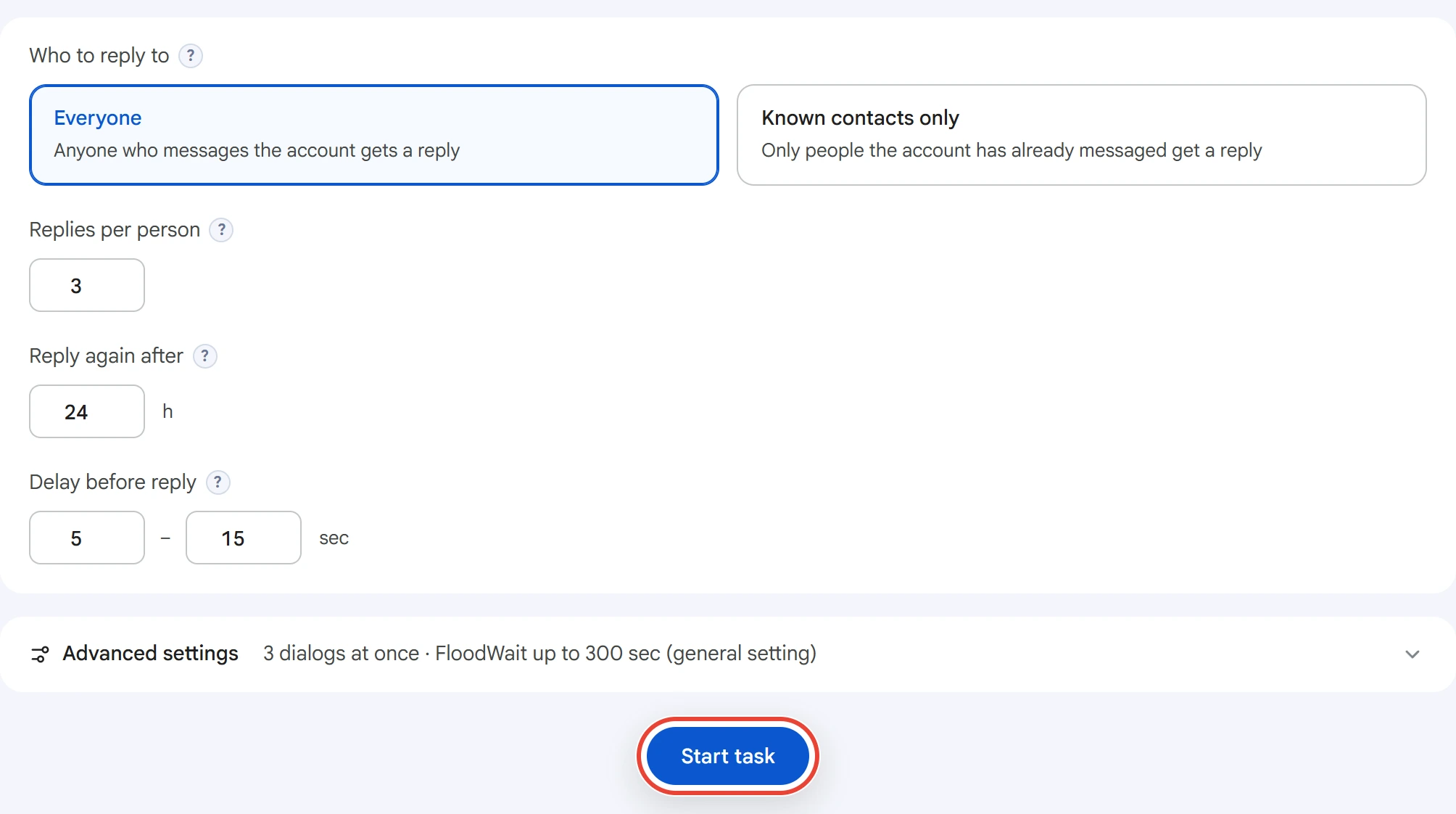
- Who to reply to — “Everyone”: anyone who messages the account gets a reply. “Known contacts only”: only people the account has already messaged get a reply, for example after a broadcast.
- Replies per person — how many replies one person gets. After that, Auto-Reply won't reply to them until the “Reply again after” period ends. If the list has more replies than that, the program warns you that the rest won't be sent.
- Reply again after — a period in hours. If the person stays silent longer, the dialog counts as new and replies start from the first one again.
- Delay before reply — a random time between receiving a message and replying, in seconds. During this time the account opens the dialog, reads the message and types the text.
Advanced settings#
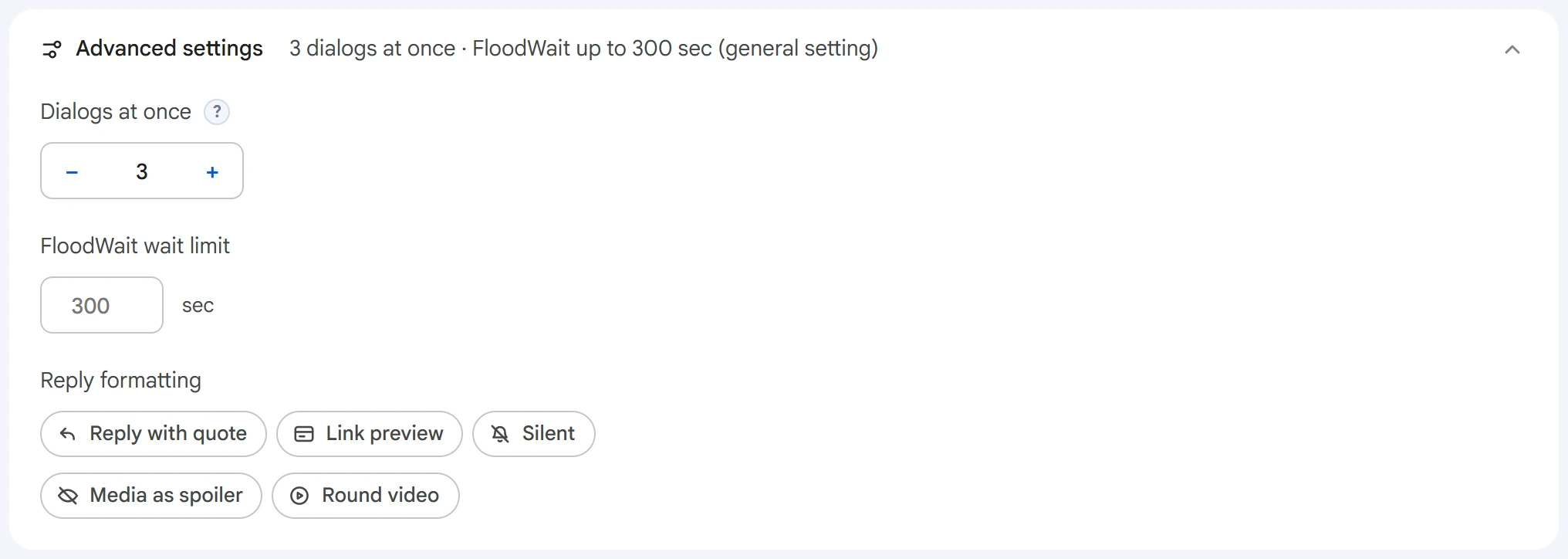
- Dialogs at once — how many dialogs one account handles at the same time. Other messages wait their turn.
- FloodWait wait limit — the longest time to wait out a Telegram restriction. An empty field takes the value from Settings, and
0means waiting with no limit. - Reply formatting — “Reply with quote” sends your text as a reply to the person's message. “Link preview” shows a link card, and “Silent” sends the reply without a notification. “Media as spoiler” hides photos and videos under a blur, and “Round video” works when a single video is attached to the reply.
Start and results#
Click “Start task”. Auto-Reply runs until you stop the task in Task Manager. While it's running, you can start another one from the same page with different accounts.
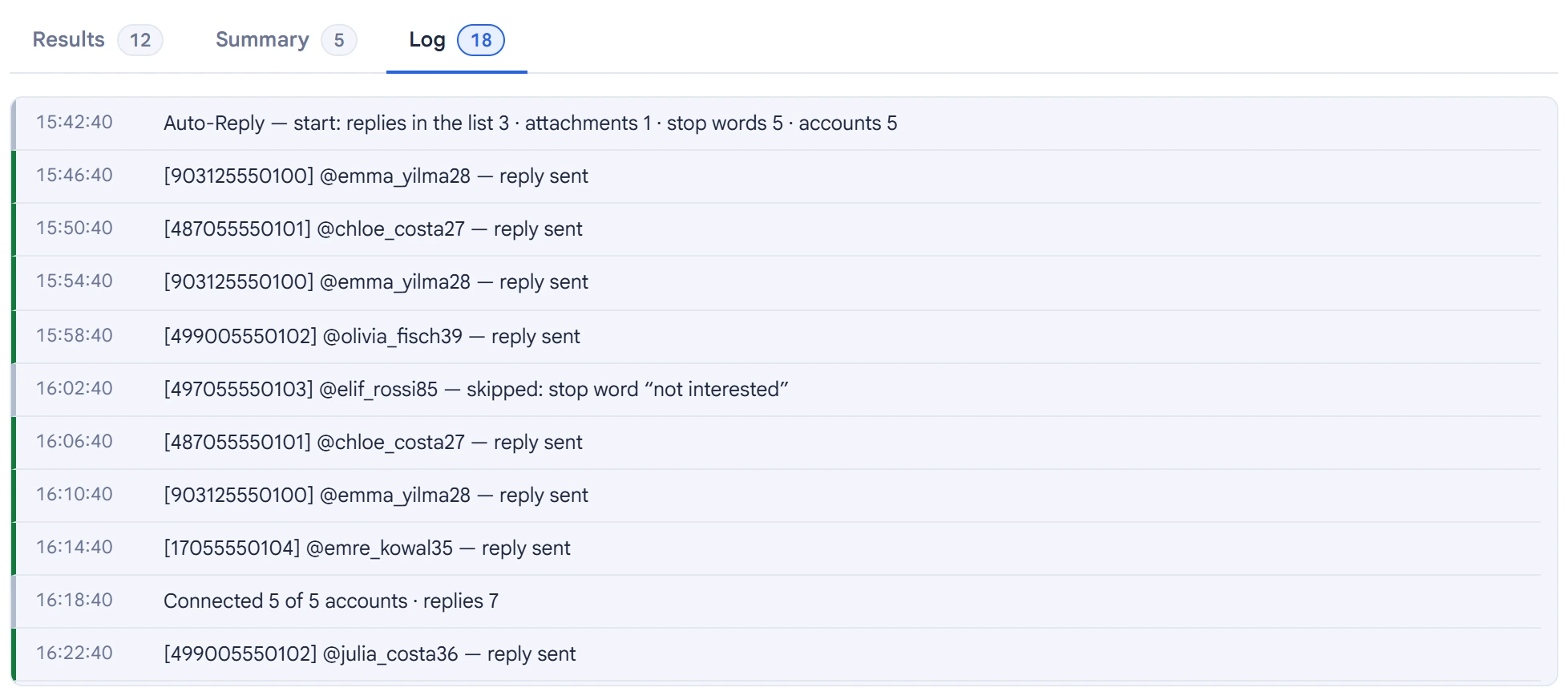
The task log shows who the account replied to, who it skipped because of a stop word and which replies weren't sent. Every five minutes, a line shows how many accounts are connected and how many replies have been sent.
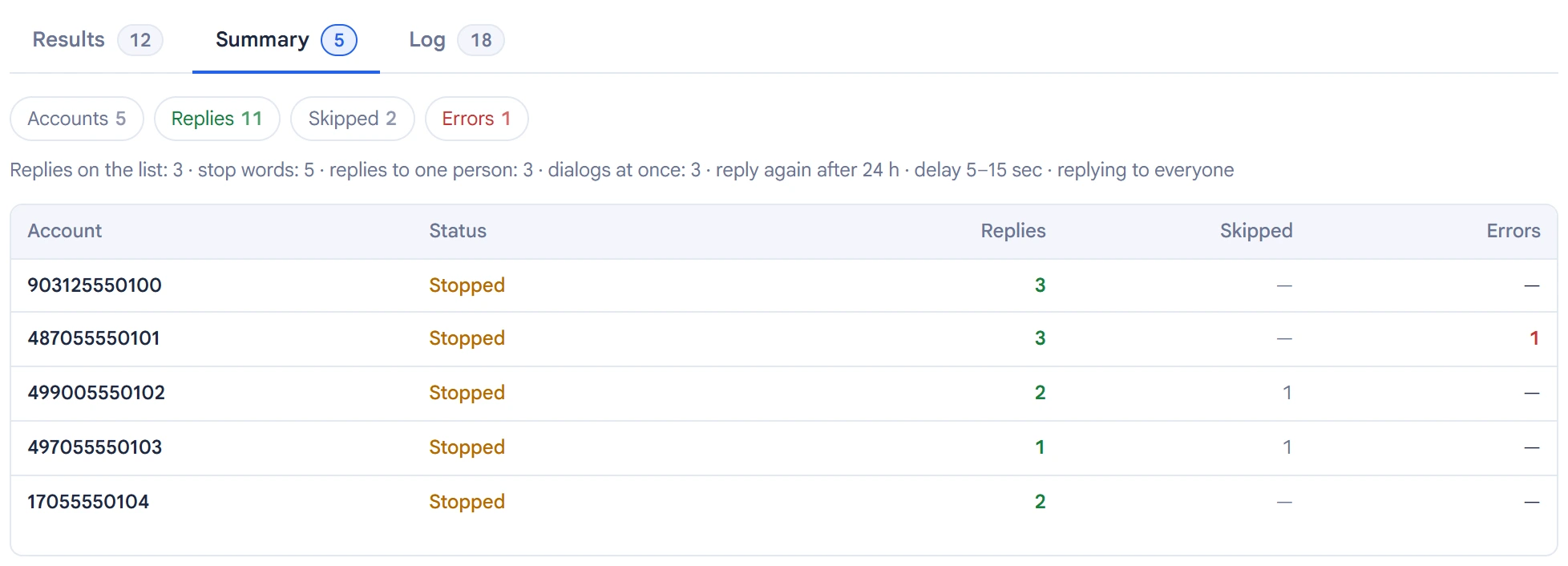
The “Summary” tab lists each account: its state, how many replies were sent, how many people were skipped and how many errors there were.
Tips#
- Run it together with DM Broadcast: Auto-Reply will answer the people who respond.
- If the broadcast deletes dialogs, those people won't get a reply in “Known contacts only” mode. Select “Everyone” or don't delete dialogs.
- Don't set the delay below three seconds: a reply that fast looks automated.
- Add refusals like “not interested” and “stop writing to me” to the stop words: it's better not to reply to these people.