
Modules
Number Checker
This module checks whether numbers have a Telegram account and saves the result to “Lists” → “Numbers”. You can use the numbers it finds for inviting and broadcasts.
Numbers#
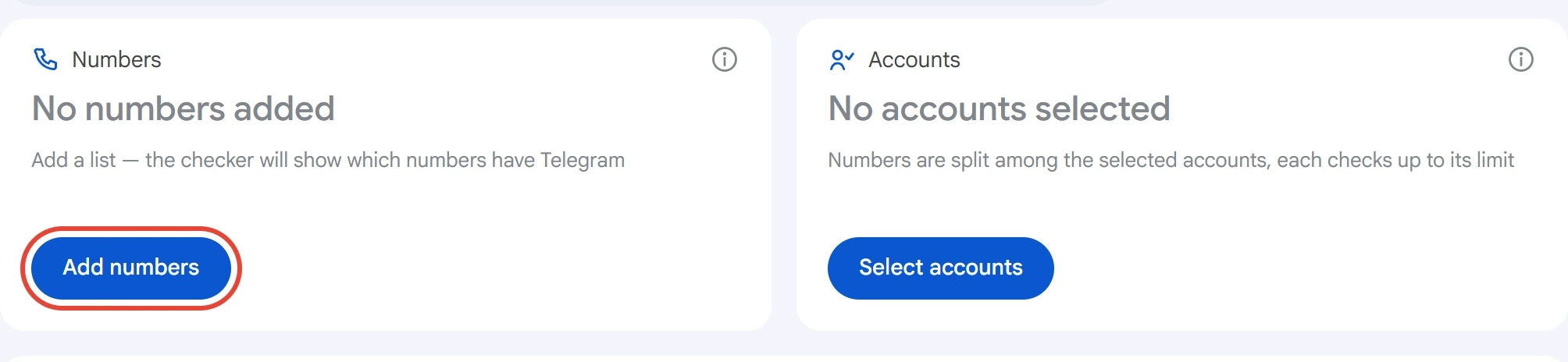
Click “Add numbers” on the “Numbers” card.
Enter a number and click “Add”, or upload a .txt / .csv file with the “Load from file” button. You can paste several numbers as a list, separated by line breaks, commas or semicolons. Any format works: +7 999 123-45-67, 79991234567, 89991234567. An 11-digit number that starts with 8 and has no plus is read as a Russian number. Lines without a number aren't added, and duplicates are removed.
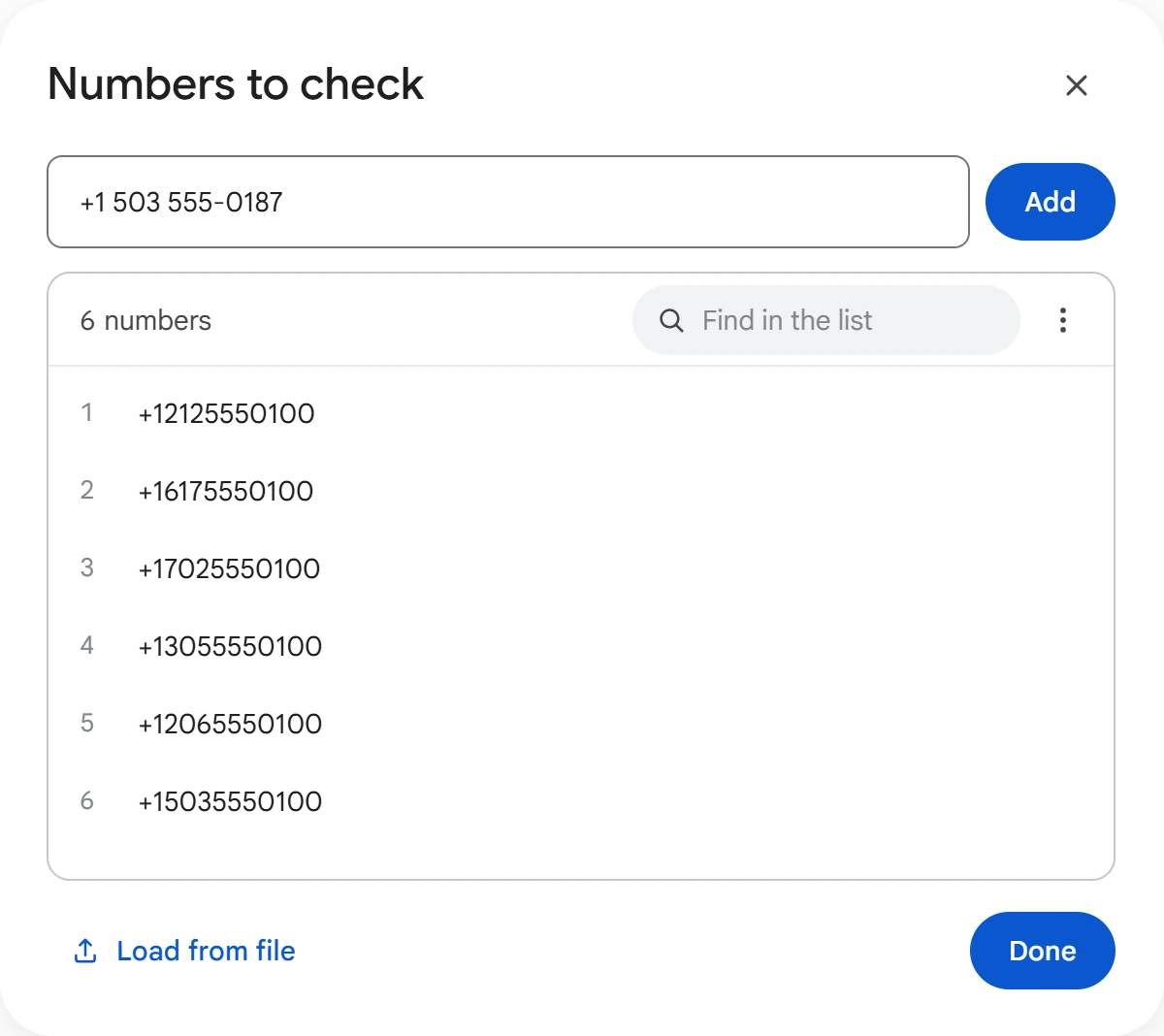
Click a number in the list to edit it, or remove it with the cross. The “⋮” menu lets you edit the list as text or clear it. The list is saved however you close the window: with the “Done” button, the cross or the Esc key.
Accounts#
Click “Select accounts”, check the ones you need and click “Save”.
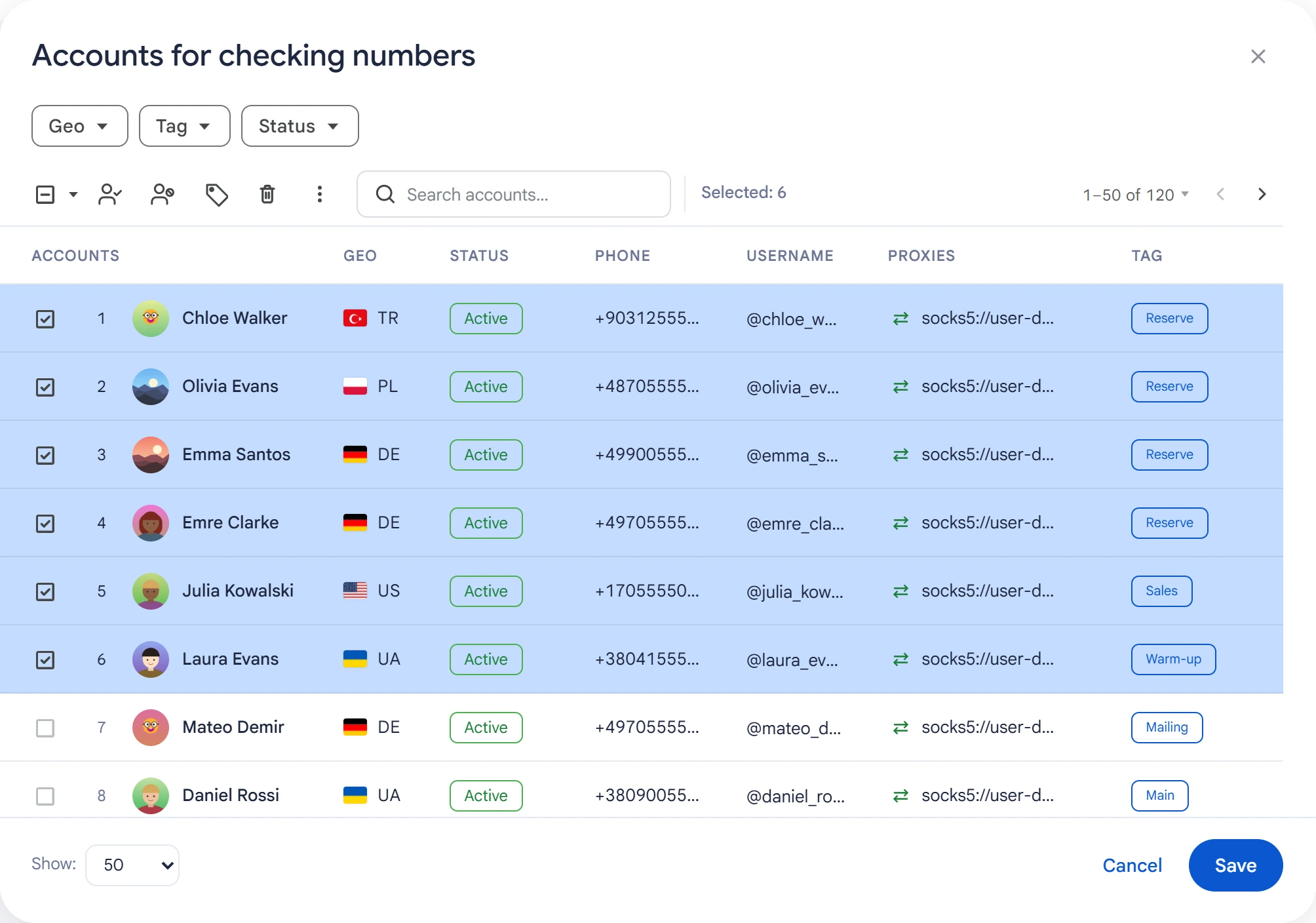
An account checks a number by adding it to its contacts, then deletes the found contact right away. Numbers are split among the selected accounts.
Telegram limits how many contacts an account can add. When the limit runs out, Telegram postpones the check: the number is unchecked, not “Not on Telegram”. That number goes back in the queue for another account, and the account that hit the limit drops out of the check.
Limit and delay#
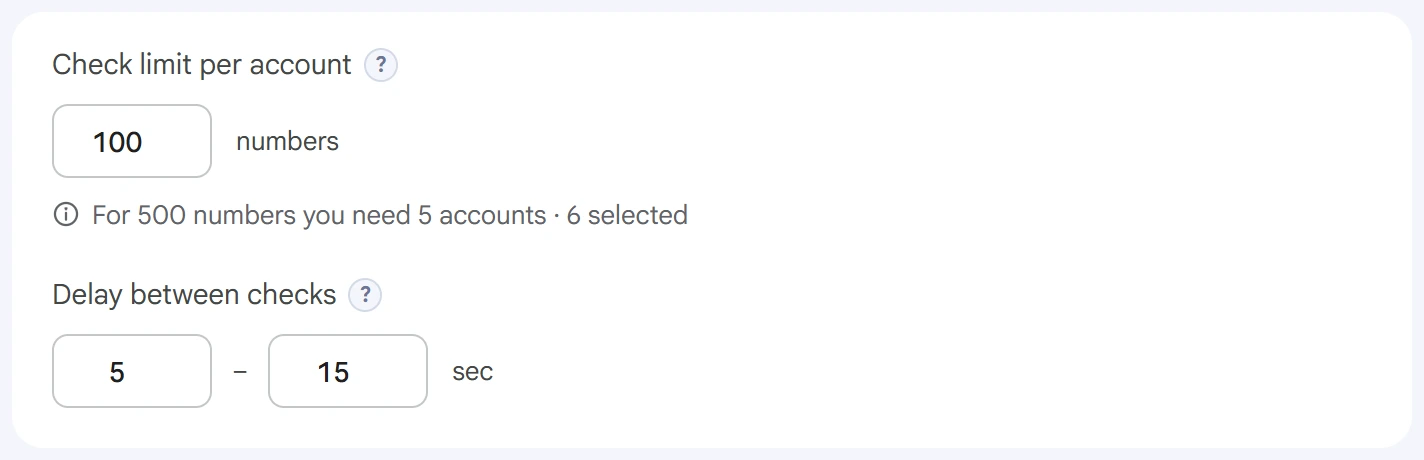
- Check limit per account — how many numbers one account checks per task. Once it reaches the limit, the account gives way to the next one. Below the field, you can see how many accounts the whole list needs and how many are selected.
- Delay between checks — a random pause between checks on one account, in seconds. The longer it is, the lower the risk of restrictions.
Advanced settings#
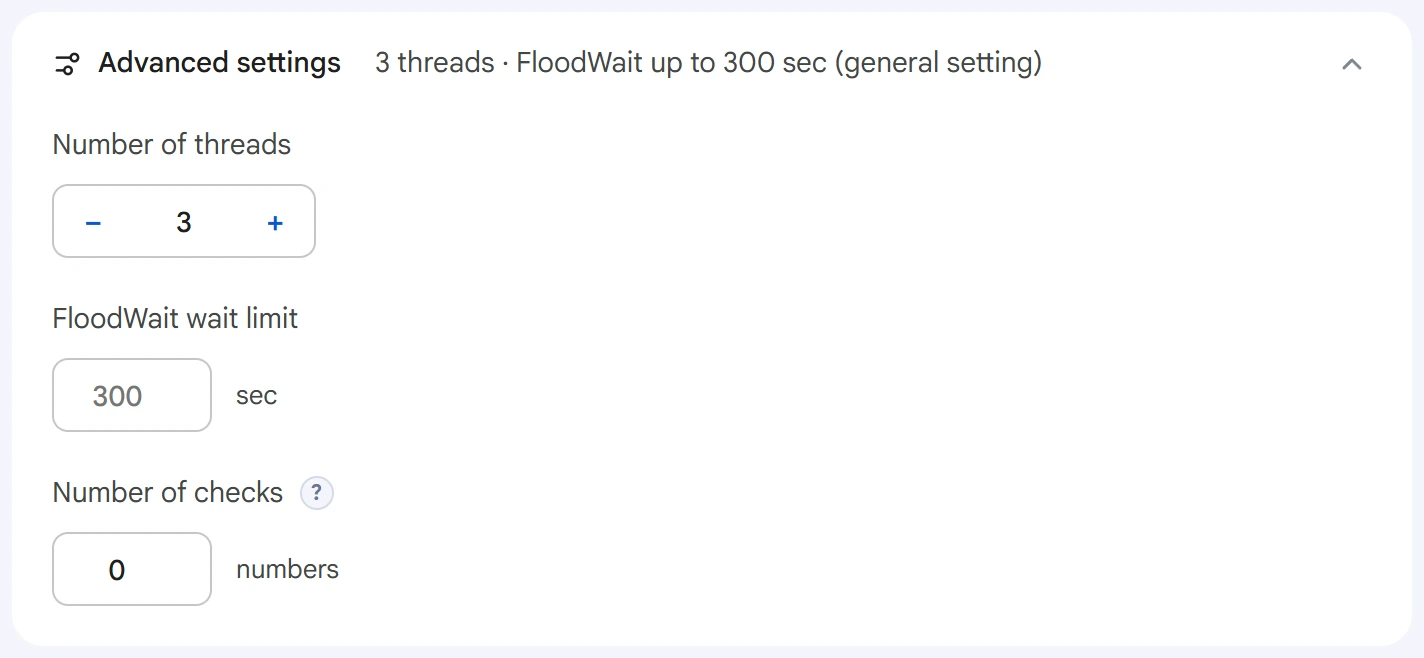
- Number of threads — how many accounts check at the same time.
0uses the value from the Settings section. - FloodWait wait limit — the maximum time to wait out a restriction. If it's exceeded, the account stops working. An empty field uses the shared setting;
0means waiting with no limit. - Number of checks — how many numbers to check per task across all accounts combined.
0means the whole list.
Start and results#
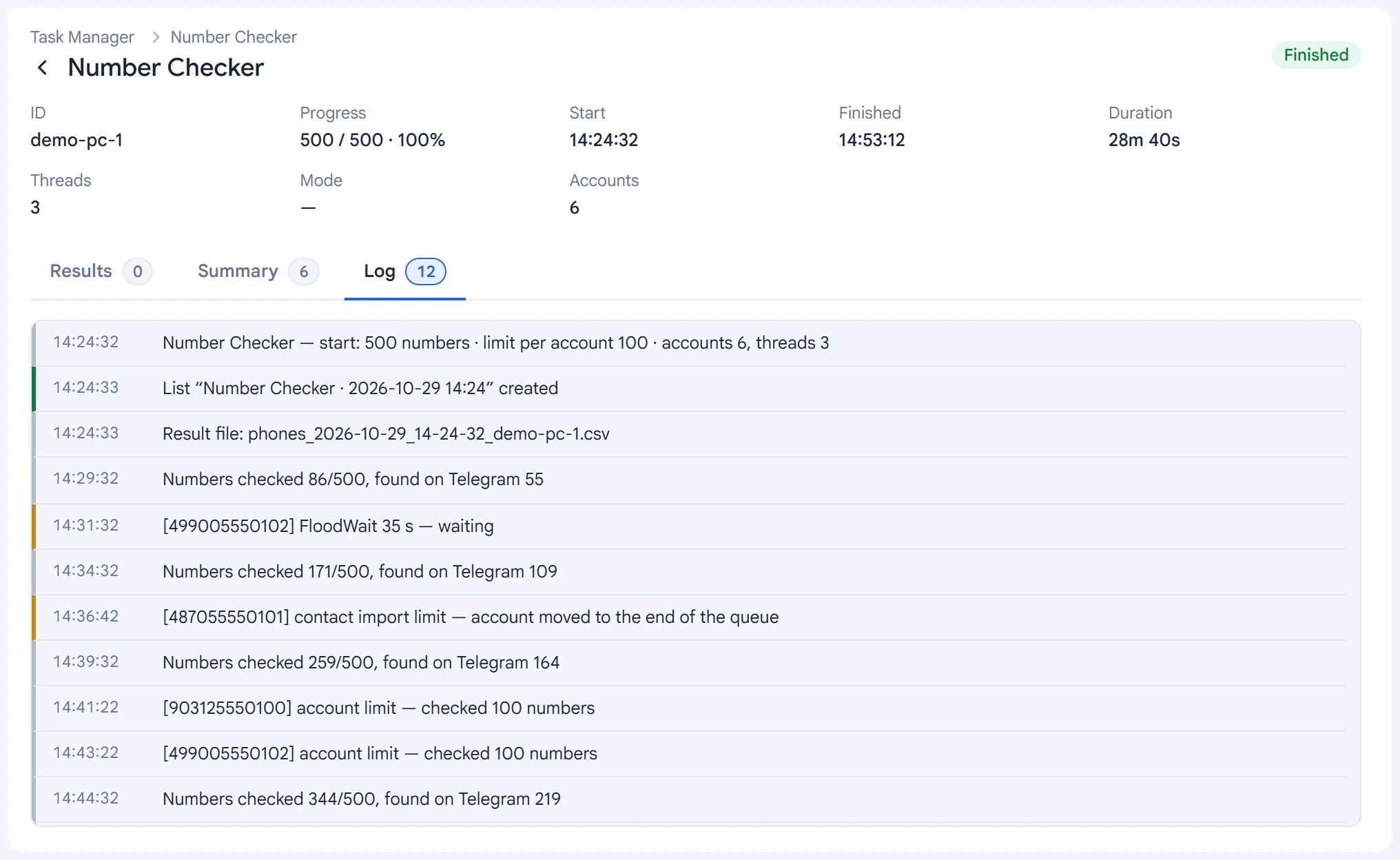
Click “Start task”. Above the button, you can see how many numbers will be checked and by how many accounts. You can track the check's progress in the Task Manager.
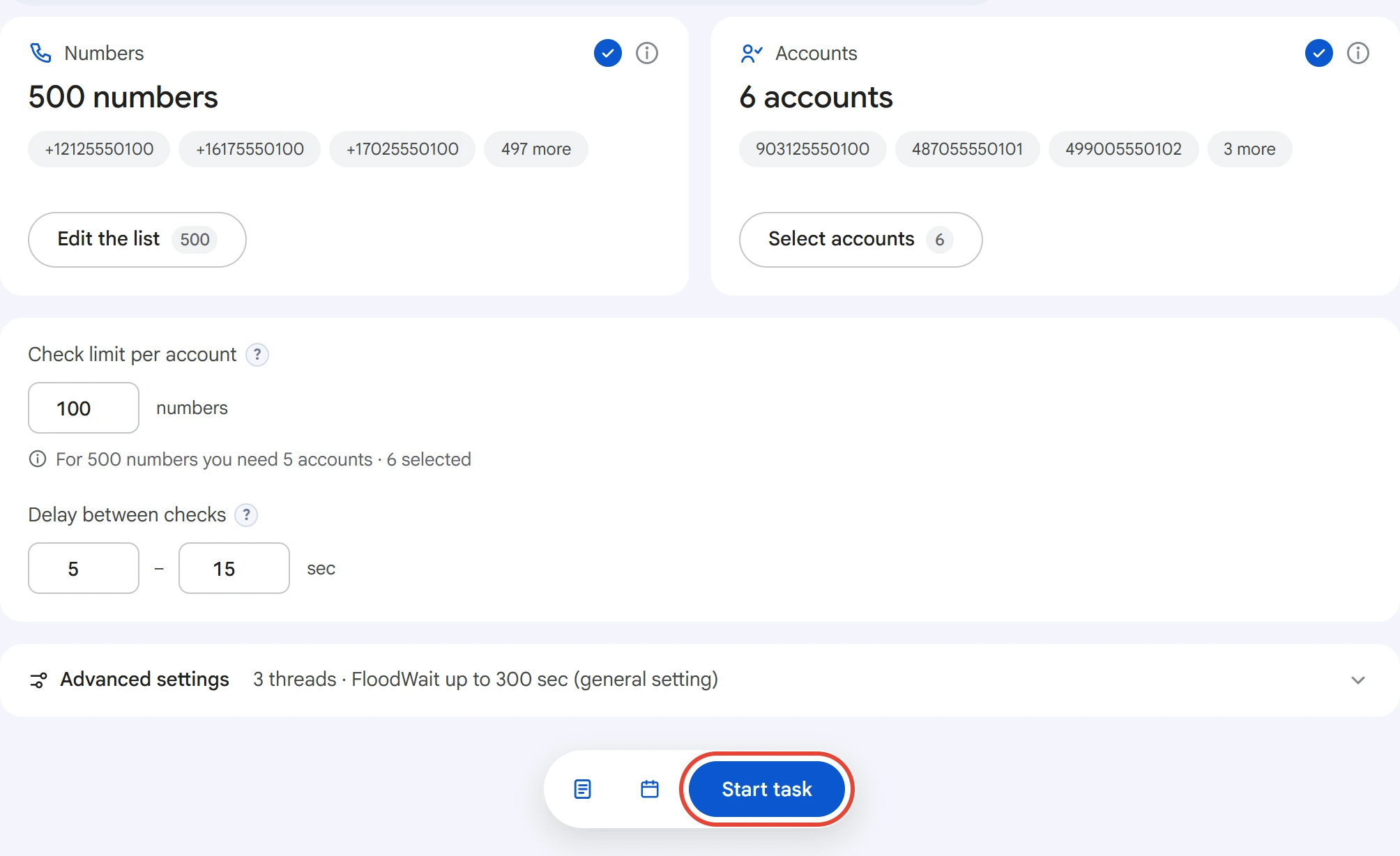
Every 5 minutes, the log shows how many numbers have been checked and how many found, along with FloodWait and accounts that reached the limit. The last line is the outcome for the whole task.
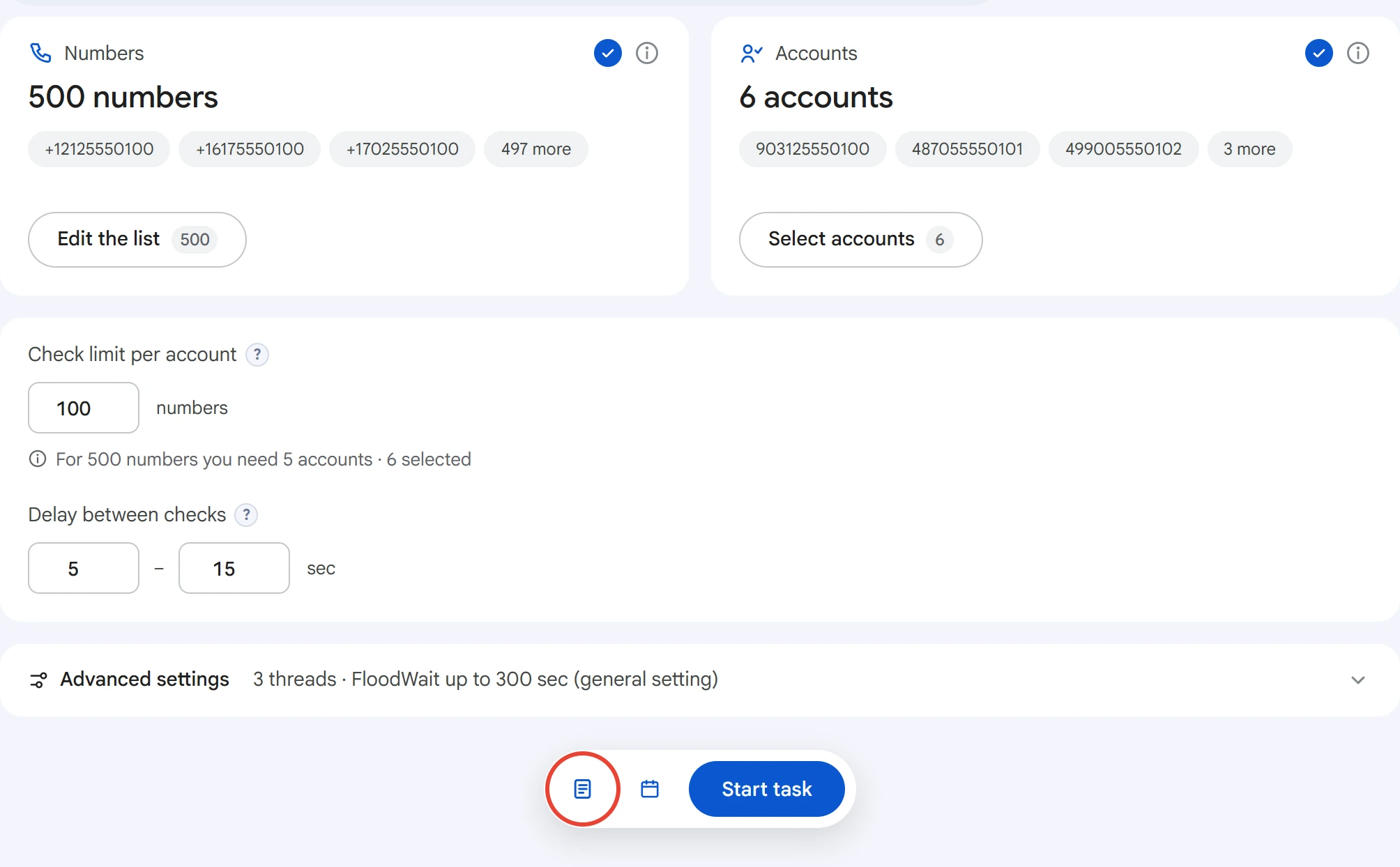
Each run creates a list in “Lists” → “Numbers” with the date and time in its name, plus a CSV file with the same results. Open your lists with the icon to the left of the “Start task” button.
The list shows the check result for each number, and for found numbers also the username, name, Premium and last seen time.
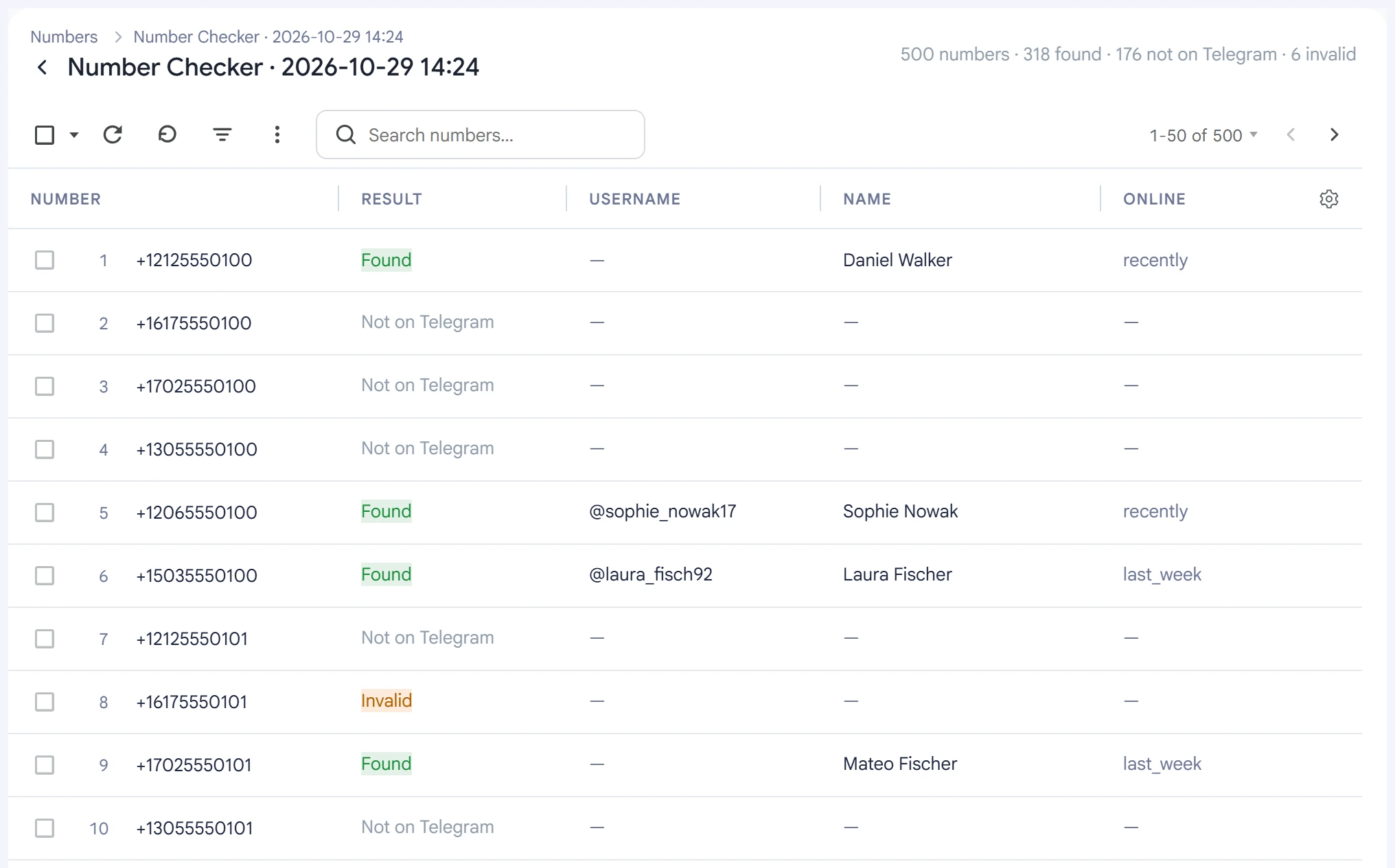
- Found — the number has a Telegram account.
- Not on Telegram — there's no account, or the owner has disabled search by number. You can't tell these apart from the outside.
- Invalid — Telegram didn't accept the number as an existing one.
- Error — the check failed, so it's worth checking the number again. This also includes numbers the accounts didn't get to: the task outcome calls them “not enough accounts”.
You can resume a stopped check in the Task Manager. Numbers already checked aren't checked again.
Tips#
- Keep the limit per account small and take extra accounts: Telegram's limit on adding contacts runs out quickly.
- Don't set a short delay: Telegram restricts frequent adding of contacts.
- For inviting and broadcasts, pick a list of numbers: the modules will take only the found ones from it.